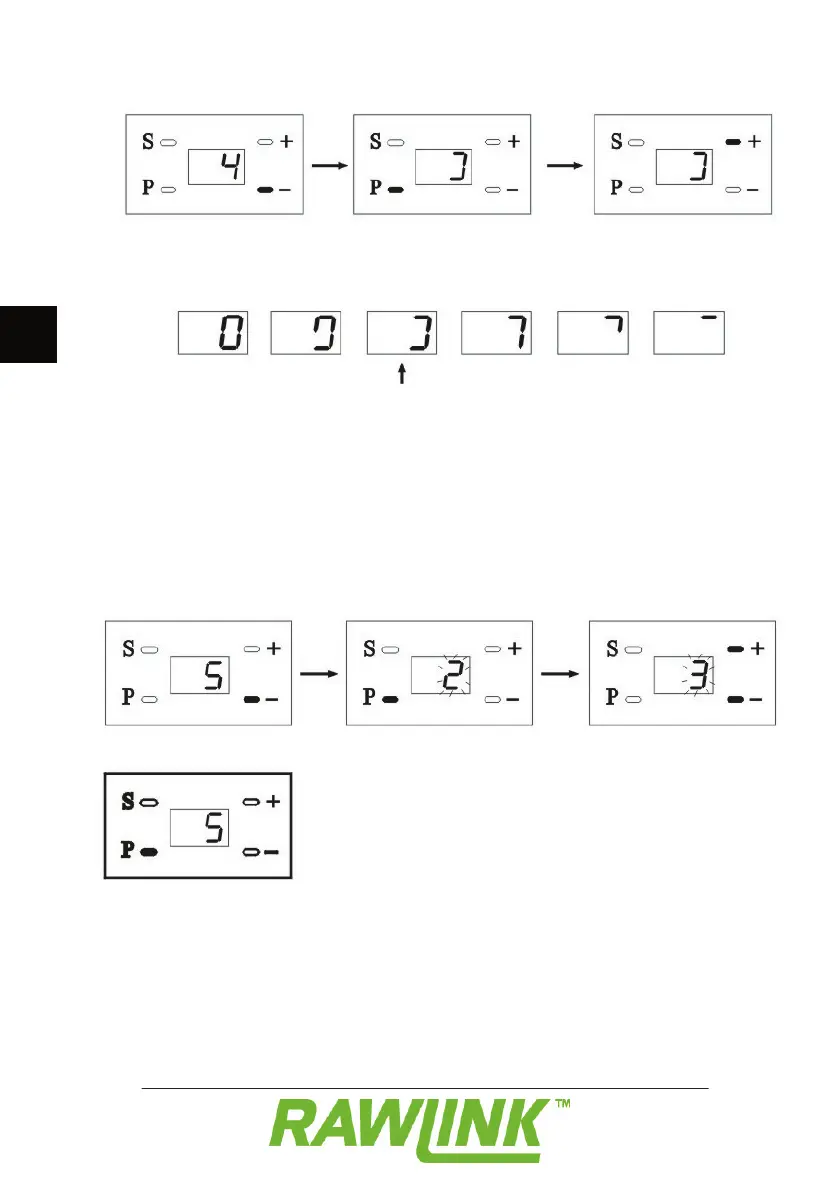
Press the – button. “4” appears on the
display to indicate that you are in menu 4.
Press the + and – buttons to set resistance.
Resistance is shown by various symbols on
From the factory, resistance is set at level
4, which is normally the ideal setting. If
sensitivity is set too high the door will not
If you want to control several doors using
the same remote control, you have to set
this in menu 5 as follows:
Press the – button. “5” appears on the
display to indicate that you are in menu 5.
Press the P button. “2” appears.
Press the + and – buttons to set the number
Press the P button to save the setting.


 To Next Page