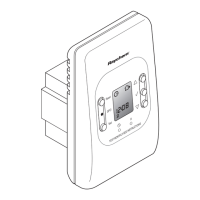
10
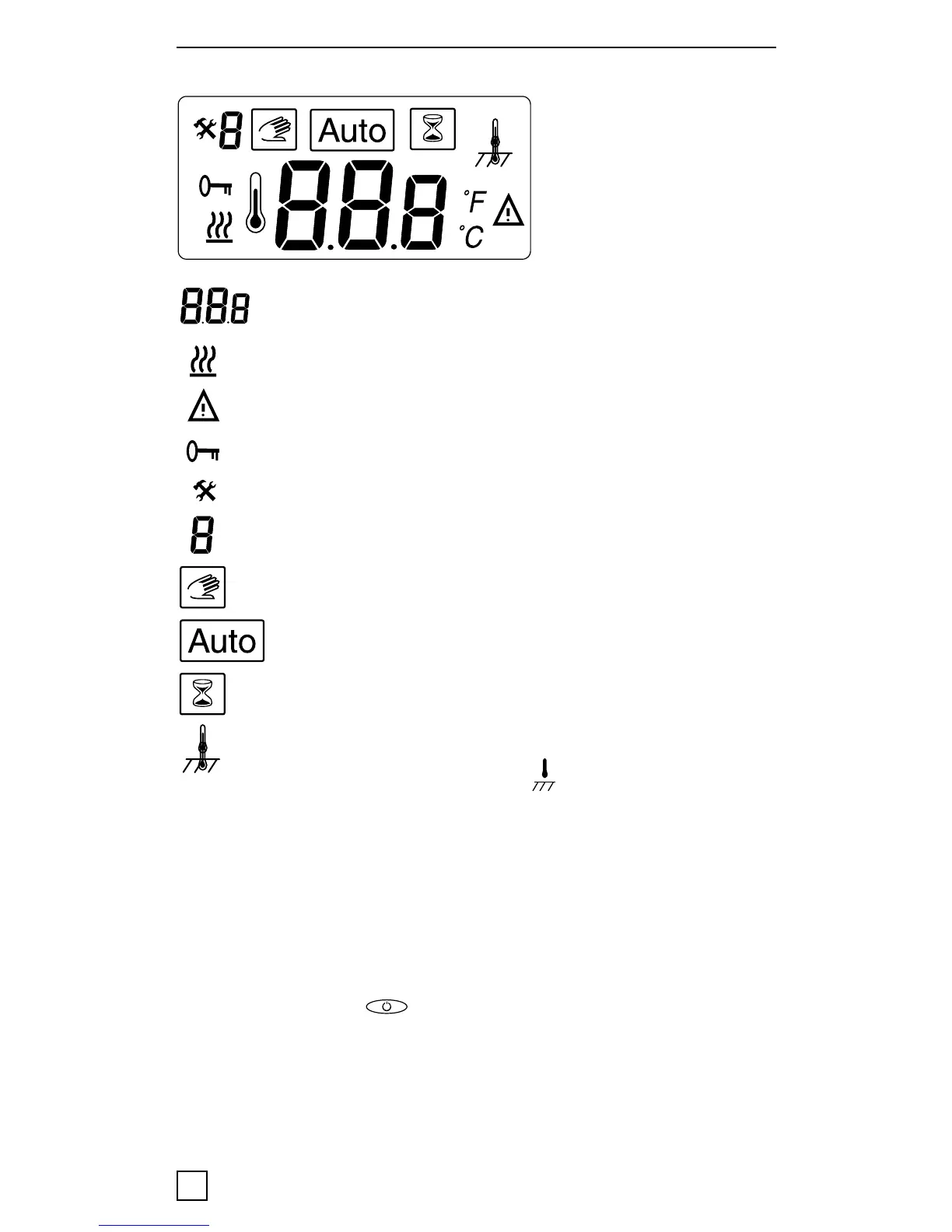
Display symbols
Set value for floor- or room temperature
or error code
Heating on
Error
Locked settings
Calibration mode
Menu number
Manual mode
Auto mode
Heat booster active
Floor- or Room sensor mode
(in room sensing mode <
> is not shown)
Note: the square moves over the different symbols when
programming. The symbol in the square indicates the active
function: manual mode, automatic mode by external signal,
booster function.
First start – set the thermostat in operation :
Push in the main < > power switch, located on the upper
part of the thermostat.
The display illuminates and shows all segments. Then it
shows the setting temperature and sensor mode. The sensor
mode is initialised automatically. If the floor sensor cable
is connected, it operates in floor sensor mode. If the floor


 To Next Page