15
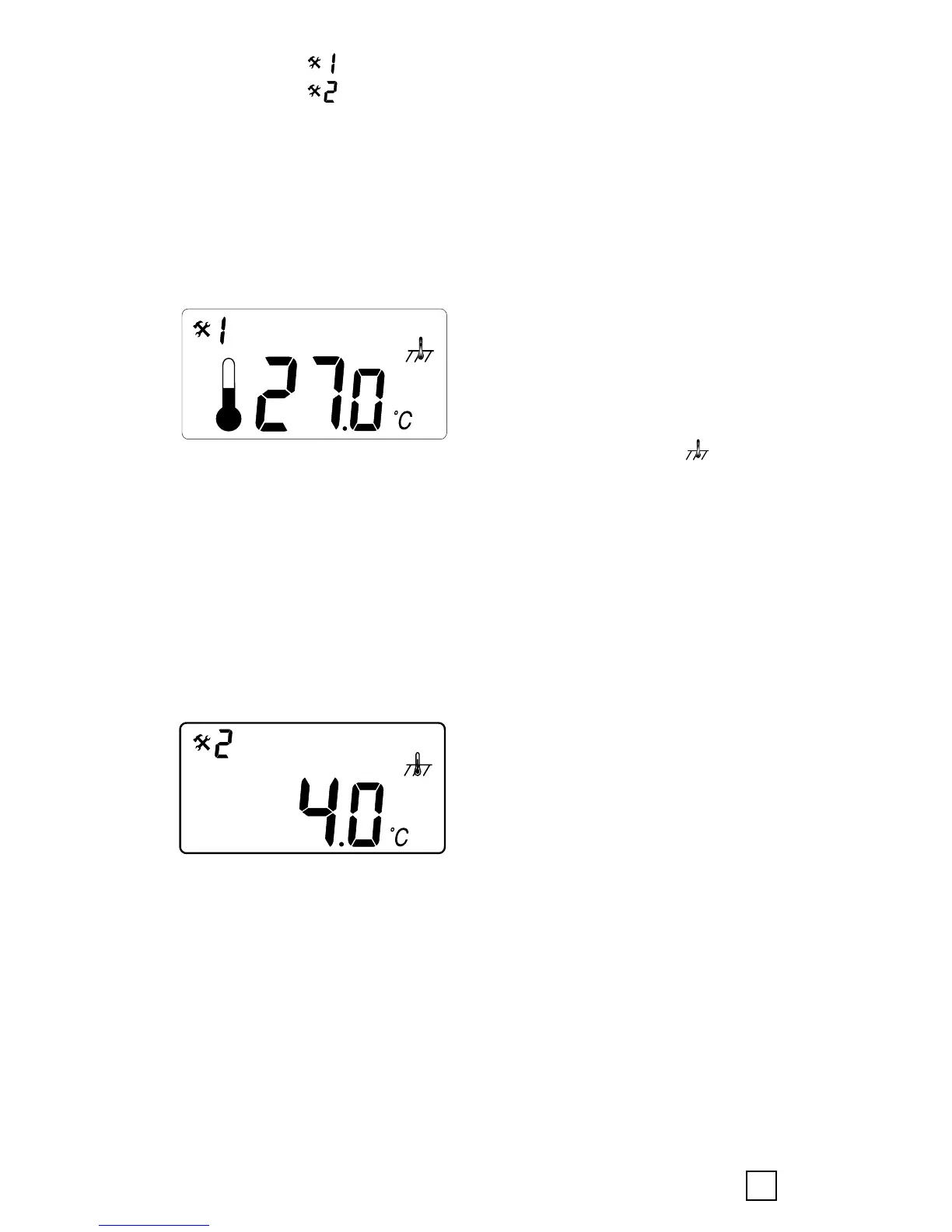
• Menu 1: < > read-out actual measured temperature
• Menu 2: < > calibration of the floor/room temperature
4.3.1 Menu 1: Temperature viewing
•
Room sensing mode: Room temperature viewing
(temperature measured inside the thermostat)
• Floor sensing mode: Temperature inside the cement
slab
To check the actual measured temperature, push the
confirmation button for 6 sec.
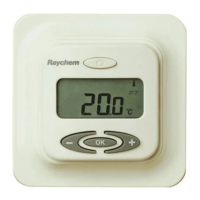
In menu number 1 the
measured temperature value is
indicated on the display:
in-floor temperature in case of
floor sensing mode <
>.
This value can be used to calibrate the floor surface
temperature value to the set temperature value on the
display. Push confirmation button several times (scroll
through Menu structure) for leaving the Configuration mode
to Normal mode
4.3.2 Menu 2: Temperature calibration
Calibration of the temperature set value
After stable temperature in
floor: The set temperature
value can be calibrated against
the real floor / room
temperature. This needs to be
done using a separate
thermometer for determining the actual floor or room
temperature. The thermometer should be put on the floor
surface, sensing the floor surface temperature, or on the
wall sensing the air temperature.


 To Next Page