Wuhan Raycus Fiber Laser Technologies Co., Ltd
User Guide of Global Version 2000 W CW laser
Raycus User Guide | Using the Product
4.10 Bluetooth app operation description
4.10.1 Log in
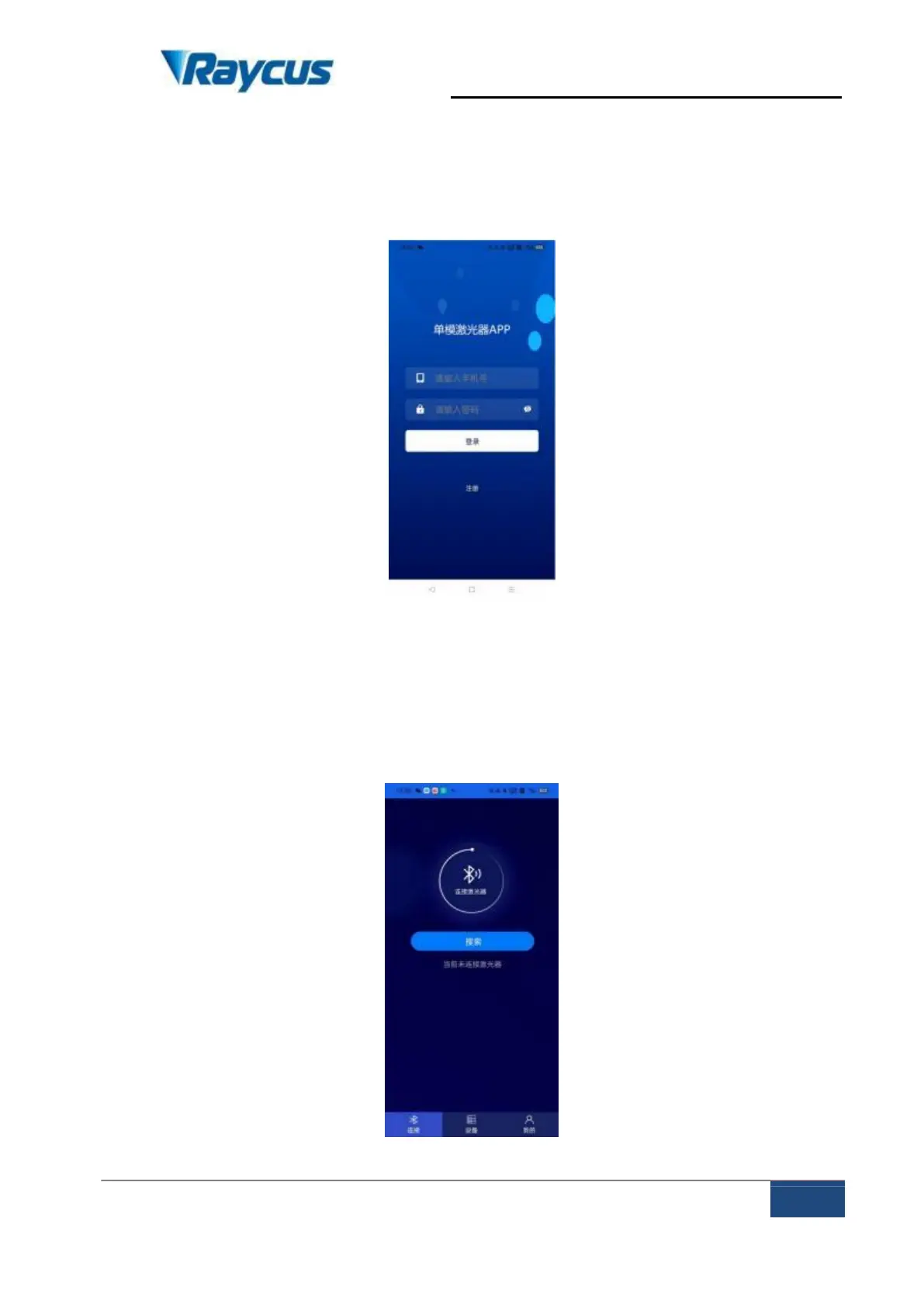
After opening the single - mode laser app, there is an account password login
page, as shown in Figure 24:
Figure 24 login interface
4.10.2 Connect
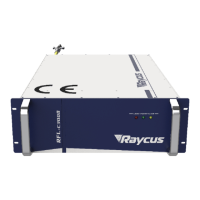
After entering the login interface, enter the mobile phone number and
password, and then click the login. After the login is successful, enter the APP
connection page, as shown in Figure 25:
Figure 25 Verification code login interface







 To Next Page