1.Selectionarrow
Indicatesthecurrentlyhighlightedmenuitem.
2.Menuitems
Thisisalistoftheavailablemenuitems.
3.OK
SelectingOKwillopenthehighlightedmenuoption
4.Uparrow
Indicatesthattherearemoremenuoptionsabove,which
canbeaccessedbypressingtherightsoftbutton.
5.Downarrow
Indicatesthattherearemoremenuoptionsbelow,which
canbeaccessedbypressingthecentersoftbutton.
6.Menuname
Indicatesthemenucurrentlydisplayed.
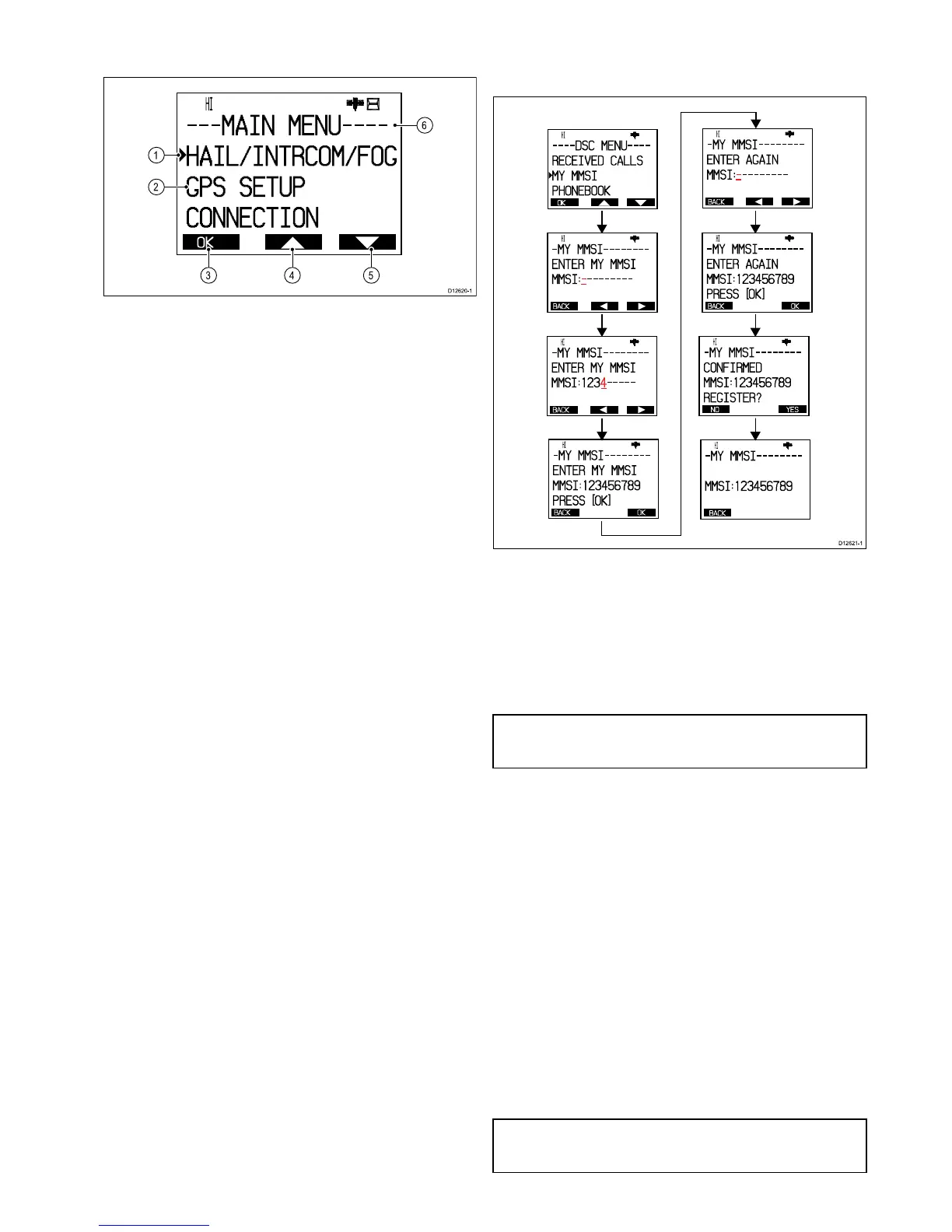
6.6EnteringyourMMSInumber
ToprogramyourradiowithyourMMSInumberfollowthesteps
below.
OK
HI
- - - - DSC MENU- - - -
RECEI VED CALLS
MY MMSI
PHONEBOOK
BACK
HI
- MY MMSI - - - - - - - -
ENTER MY MMSI
MMS I :- - - - - - - - -
BACK
HI
- MY MMSI - - - - - - - -
ENTER AGAI N
MMS I :- - - - - - - - -
BACK
HI
- MY MMSI - - - - - - - -
ENTER MY MMSI
MMS I :1 2 3 4 - - - - -
BACK OK
HI
- MY MMSI - - - - - - - -
ENTER MY MMSI
MMS I :1 2 3 4 5 6 7 8 9
PRESS
[
OK
]
BACK OK
HI
- MY MMSI - - - - - - - -
ENTER AGAI N
MMS I :1 2 3 4 5 6 7 8 9
PRESS
[
OK
]
NO YES
HI
- MY MMSI - - - - - - - -
CONFI RMED
MMS I :1 2 3 4 5 6 7 8 9
REGI STER
?
BACK
HI
- MY MMSI - - - - - - - -
MMS I :1 2 3 4 5 6 7 8 9
D12 62 1-1
1.PressandholdtheMENU/DSCbuttontodisplaytheDSC
menu.
2.SelectMYMMSIfromtheDSCmenu.
•IfNOMMSIIDCONTACTDEALERisdisplayedon-screen
thenyoumustcontactyourlocalRaymarinedealerand
requestthemtoinputtheMMSInumberforyou.
•IfENTERMYMMSIisdisplayedthenyoucanmanually
enteryourMMSI.TherstcharacteroftheblankMMSI
numberwillbehighlighted.
Note:If‘0’isenteredastherstdigitthentheseconddigitwill
automaticallybechangedtoa‘0’.MMSInumbersbeginning
with‘0’areonlyforusebytheCoastGuard.
3.UsetheChannelUpandDownbuttonstocyclethrough
availablenumbers.
4.SelectOktomovetothenextcharacter.
5.Repeatsteps3and4aboveuntilthefull9digitMMSInumber
isdisplayedon-screen.
6.YoucanalsousetheRightarrowandLeftarrowsoft
buttonstochangewhichcharacterishighlighted.
7.WhennishedselectOktoconrmtheMMSInumber.
YouwillberequestedconrmtheMMSInumberbyrepeating
theentry.
8.WithENTERAGAINdisplayedon-screenfollowsteps3to6
abovetoentertheMMSInumberagain.
9.SelectOktoconrm.
10.IfNOTCONFIRMEDisdisplayedthenselectBackandrepeat
steps2to9above.
11.IfCONFIRMEDisdisplayedthenselectYestoconrmand
savetheMMSInumber.
ThesavedMMSInumberisdisplayedon-screen(e.g.
MMSI:123456789).
12.SelectBacktogobacktotheDSCmenu.
Note:YoucanonlyentertheMMSInumberonce,ifyouhave
storedanincorrectMMSInumberinyourproduct,theproduct
willhavetoberesetbyanauthorizedRaymarinedealer.
Gettingstarted
35



 To Next Page
 Loading...




