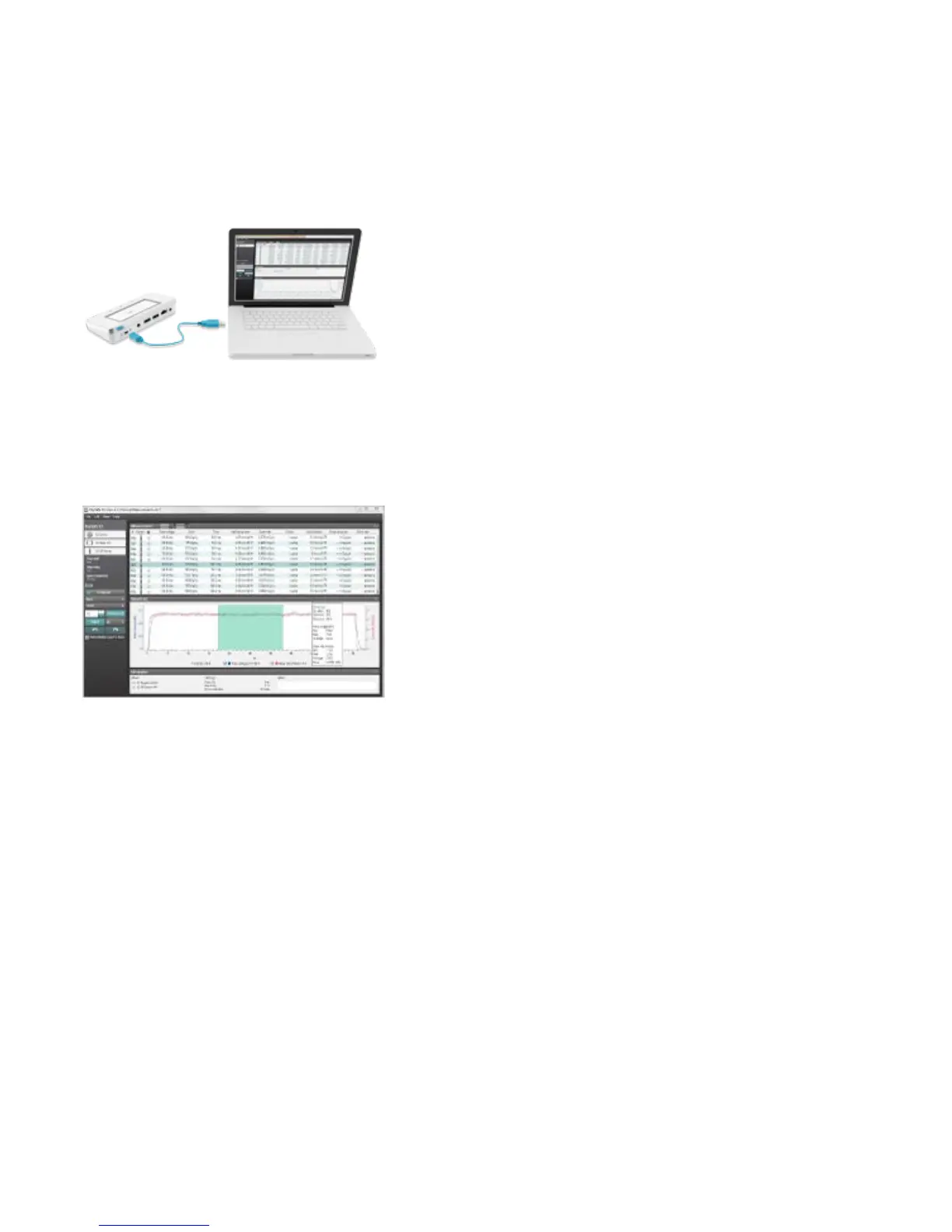
CONNECT THE BASE UNIT TO A COMPUTER
Connect the base unit to a computer running X2 View using a USB cable (recommended length: max 2 m). X2 View
can be installed from the X2 View CD, that came with the system.
If you measure, the results will automatically show up in X2 View.
You can also select Import from Base Unit in the File menu to import measurements stored in the base unit.
From X2 View, you can export measurements to Excel and other software. For more information, see the X2 View
help, reached from the Help menu in X2 View.


 To Next Page