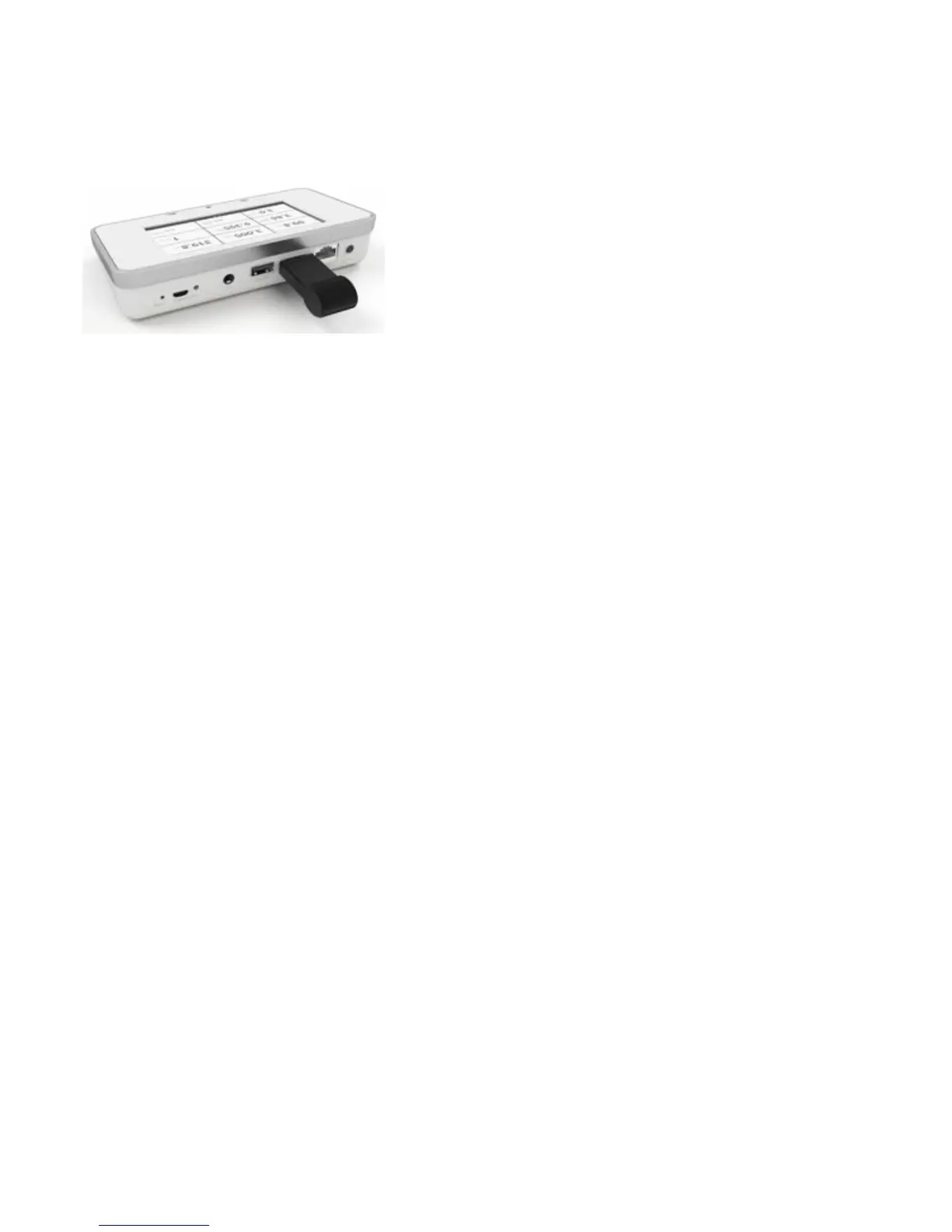
CONNECT TO COMPUTER USING BLUETOOTH
Connect the Bluetooth adapter to a SENSOR port on the base unit. A gray Bluetooth status symbol appears in the
upper
right corner of the screen.
X2 View will automatically search for base units. The first time you connect, you will have to select your base unit
from the Bluetooth menu in X2 View. The Bluetooth status symbol will turn white when connected.
When restarting X2 View, the base unit will automatically get connected.


 To Next Page