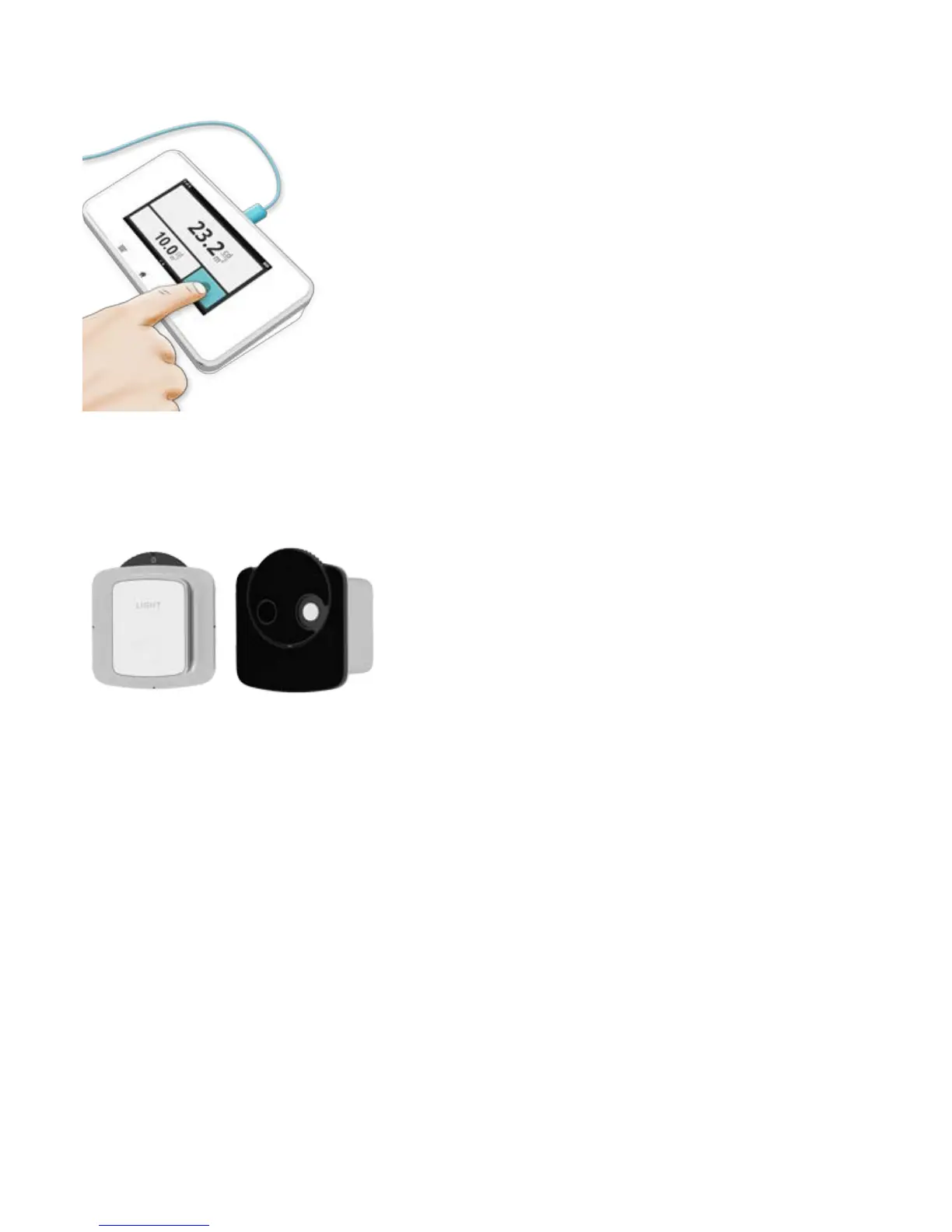
The sensor is constantly measuring. If you want to store a value, press the button once the reading is stable. The
measurement will continue below the stored value.
TIP! Tap a parameter to get large digits and parameter information. Switch between these by
swiping sideways.
Zero adjust: If prompted to make a zero adjust, select zero adjust (0) on the sensor wheel. The zero adjust will take
approximately 10 s.
NOTE! Store the sensor with the sensor wheel in a closed position (0 or illuminance), to prevent
dust in the optics.


 To Next Page