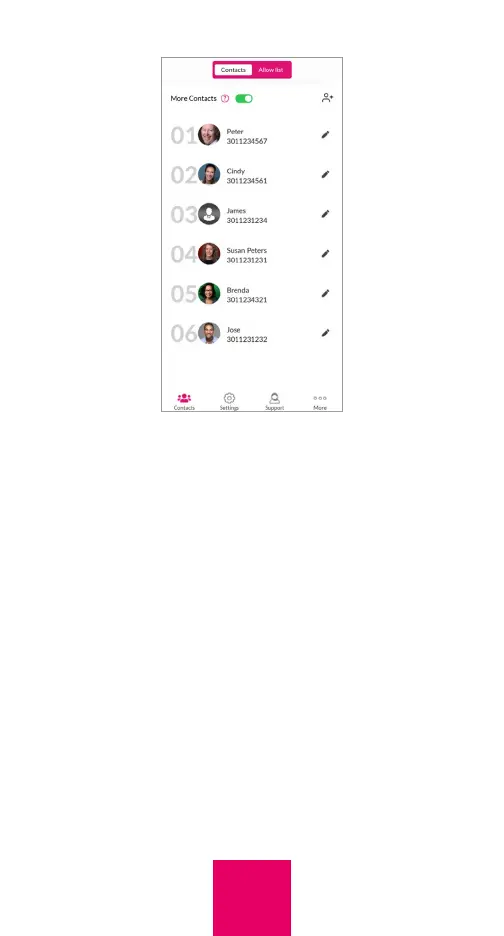
If desired, you can save a contact with a
picture only, without adding a name.
Allow List
If incoming calls have been limited to
contacts, the caregiver may want specific
people who are not contacts to have the
ability to reach the user. To do this, an “Allow
list” can be created. Any number on the Allow
list can call the user, even if that number is
not a contact.
To add, edit or delete a person in the Allow
list in the app, tap “Allow list” within the
Contacts tab, then add, edit, or delete the
20



 To Next Page