Charging and Turning
Your Phone On or O
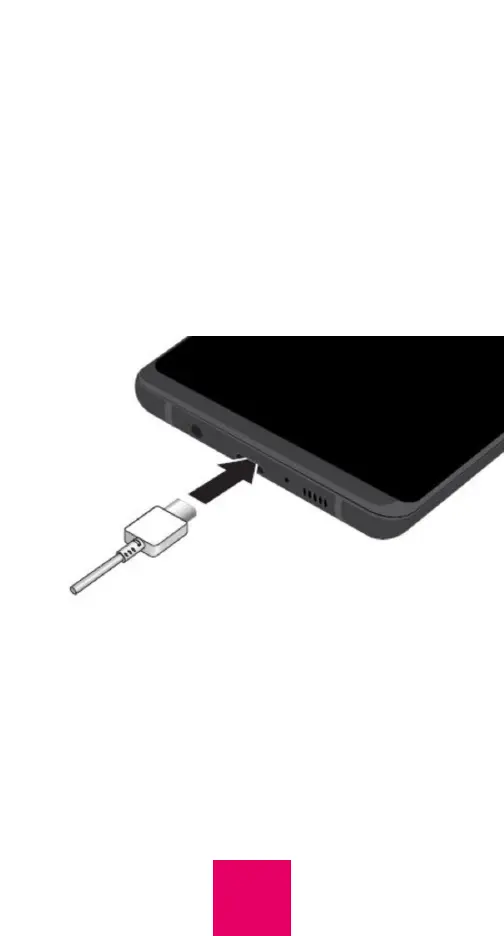
Before you start using your RAZ Memory
Cell Phone, make sure that the phone is fully
charged. To do this, insert the USB Type-C
cable into the charging port at the bottom
of the phone and insert the charger into an
outlet.
It takes approximately two hours to fully
charge the battery.
To turn on your phone, long press the power
key. If you wish to turn it off, long press the
power key and select Power Off.
9



 To Next Page