Power Button
To disable the power button, go to Settings
and turn off the toggle under “Power button”
in the app. This function may be useful if the
user has difficulty turning the phone back
on.
Low Battery Text
Message Notification
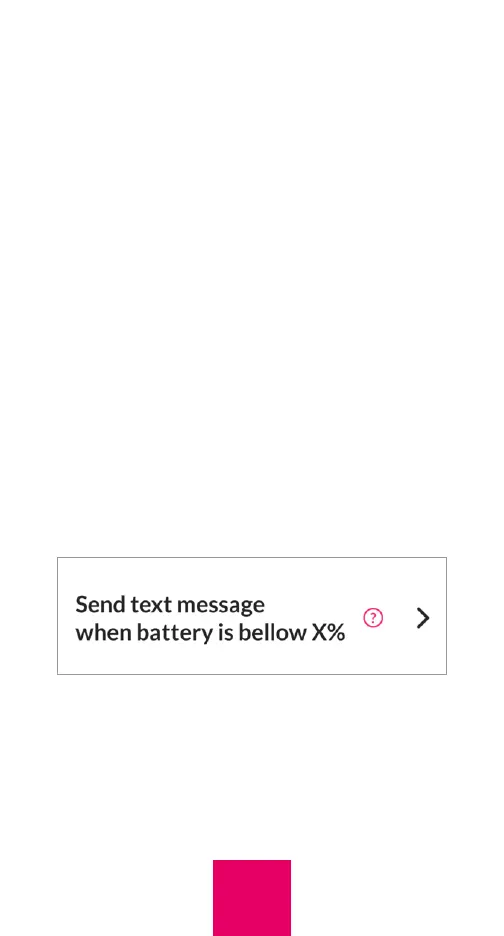
When this option is selected, a text message
will be sent to you, notifying you that the
battery level on the user’s phone has
reached a certain specified level. To activate
this feature in the app, go to Settings and tap
“Send text message when battery is below
X%”
Then press the toggle and select the battery
level at which you wish to receive the low
battery alert message. You must tap “Save”
after you make these changes.
25



 To Next Page