photo of the user. To access this section, go
to the More tab and tap on “Memory phone
user”.
Quiet hours
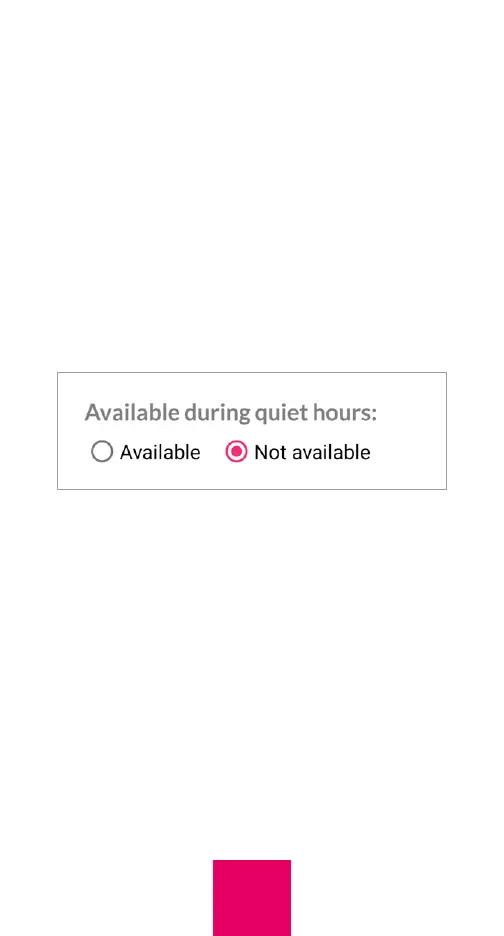
Quiet hours are times of the day during
which the user cannot make calls. You
specify whether to apply the restriction to a
particular contact in the “Edit Contact” page.
To set up quiet hours, tap on “Quiet hours” in
the More tab and select the Announcement.
The Announcement is what the user will hear
if they call during quiet hours. You can use
either the default announcement or record
your own announcement. We recommend
that you record your own. Press Save after
your selection. To set the time, duration, and
day(s), press the “+” symbol. If quiet hours
start on one day and end on the next, select
the day on which quiet hours start. After the
quiet hours are set up, press Save.
34



 To Next Page