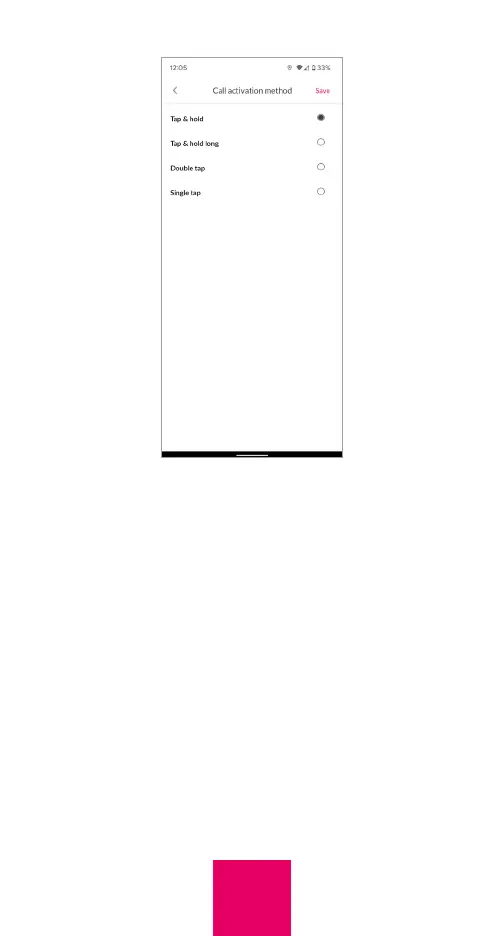
long,” or “Double tap”. If you select “Tap and
hold long” the user must tap and hold for
approximately 3 seconds to initiate a call.
Press “Save” after you make your selection.
Auto-lock Screen
To preserve battery, the display will go dark
after two minutes of inactivity and will “wake
up” automatically with movement.
27



 To Next Page