36
ENGLISH
When the chime is playing (a few seconds), the (internal / external) music source is removed from
the signal sent to the amplifier.
RCF BM 3001 PAGING MICROPHONE (NOT INCLUDED)
Channels 2 and 3 have an input with RJ 45 socket, to which a BM 3001 paging microphone can be
connected (note: it is necessary to set the dip-switches no.3 and no.4 to the “MIC with PHANTOM”
mode, see 12, second table).
L
When the BM 3001 paging microphone is on (ready to talk), its LED turns ON.
When the chime is playing (if chime is enabled), the BM 3001 microphone is momentarily muted.
The paging microphone priority mode depends on the settings mentioned above.
The paging microphone is muted by events having a higher priority level (than the channel 2 or 3, to
which the paging microphone is connected).
CD/USB – MP3 PLAYER AND TUNER
NOTES ABOUT COMPACT DISCS
Use 12 cm audio CD, CD-R and CD-RW only. Never insert 8 cm CDs !
Do not use damaged CDs (or having an irregular shape).
Keep CDs clean and hold them always on their edges (without touching their unlabeled surface).
Wipe a dirty CD from the centre outward with a clean soft and dry cleaning cloth. Do not use
alcohol or solvents.
Do not attach adhesive labels on CDs (and do not use CDs having adhesive labels).
Put CDs in their cases when not used.
Do not leave CDs close to heat sources, exposed to high temperatures or the direct sunlight (for
instance, inside a car).
Some CD-R (recordable) / CD-RW (rewritable) types may not be read correctly.
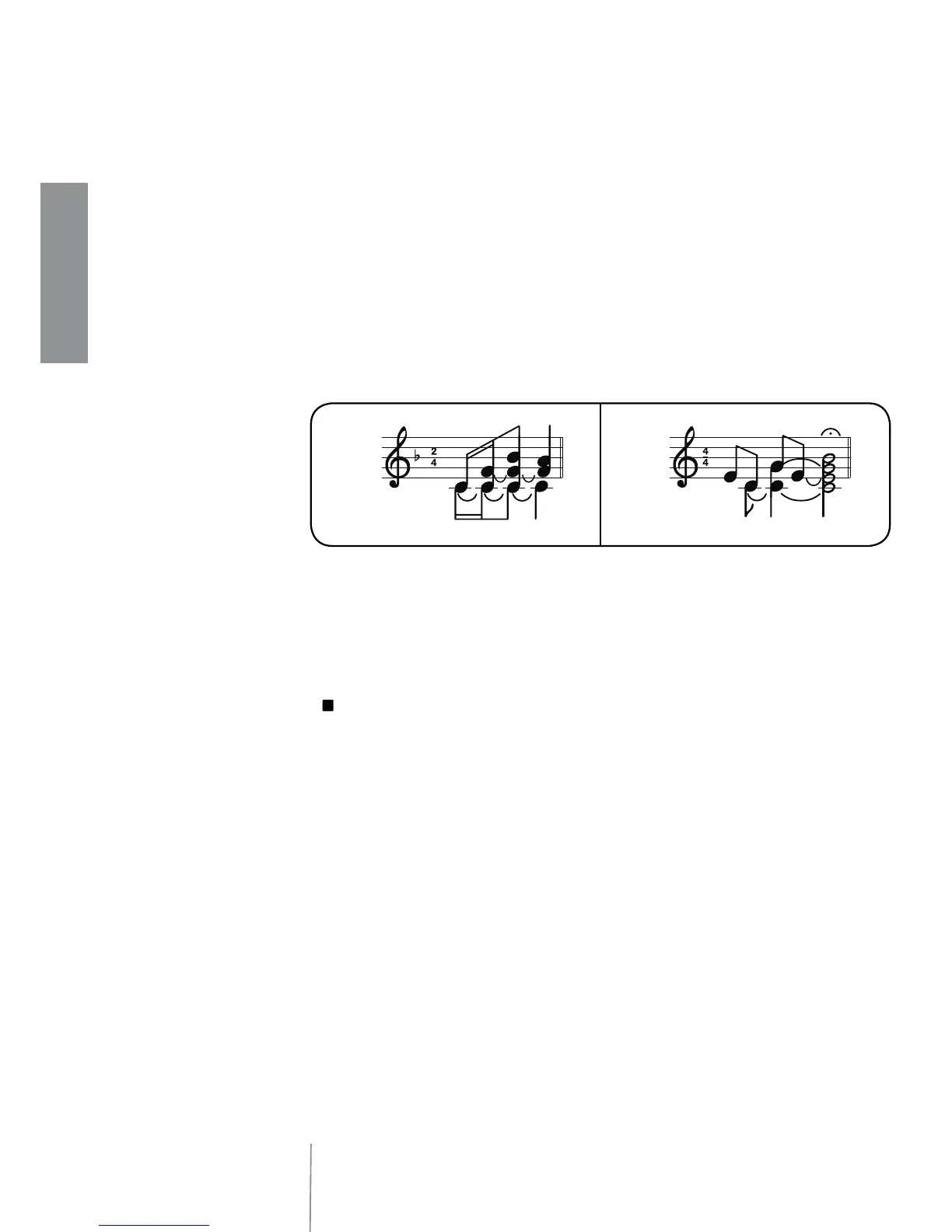
SHORT LONG
CHANNEL 2 - 3 ‘PUSH’ / ‘TOGGLE’ PRIORITY MODE
The dip-switches no.5 and no.6 (8 dip-switch group, see 21) allow choice of priority mode for
channels 2 and 3 between ‘push’ (the priority is kept only if the command is still present) and ‘toggle’
(the priority is switched on / off by every impulse of the command).
Note: the chosen priority mode is applied to both BM 3001 paging microphones (if present) and
priority commands (of removable connectors).
4 DIP-SWITCH GROUP (PER EACH CHANNEL 1÷4)
Each input gain can be set to either MIC or LINE. It is also possible to turn the PHANTOM power
supply on/off, to insert / remove the high-pass filter and to enable / disable the chime, which is
played on every priority event.
INFORMATION ABOUT THE CHIME
The chime is not played when using the channel 1 VOX function (a priority command is needed to
play the chime).
Its melody can be either short or long (dip-switch no.7 of the 8 dip-switch group, see 21).



 To Next Page