Shenzhen Reader Technology Co., Ltd
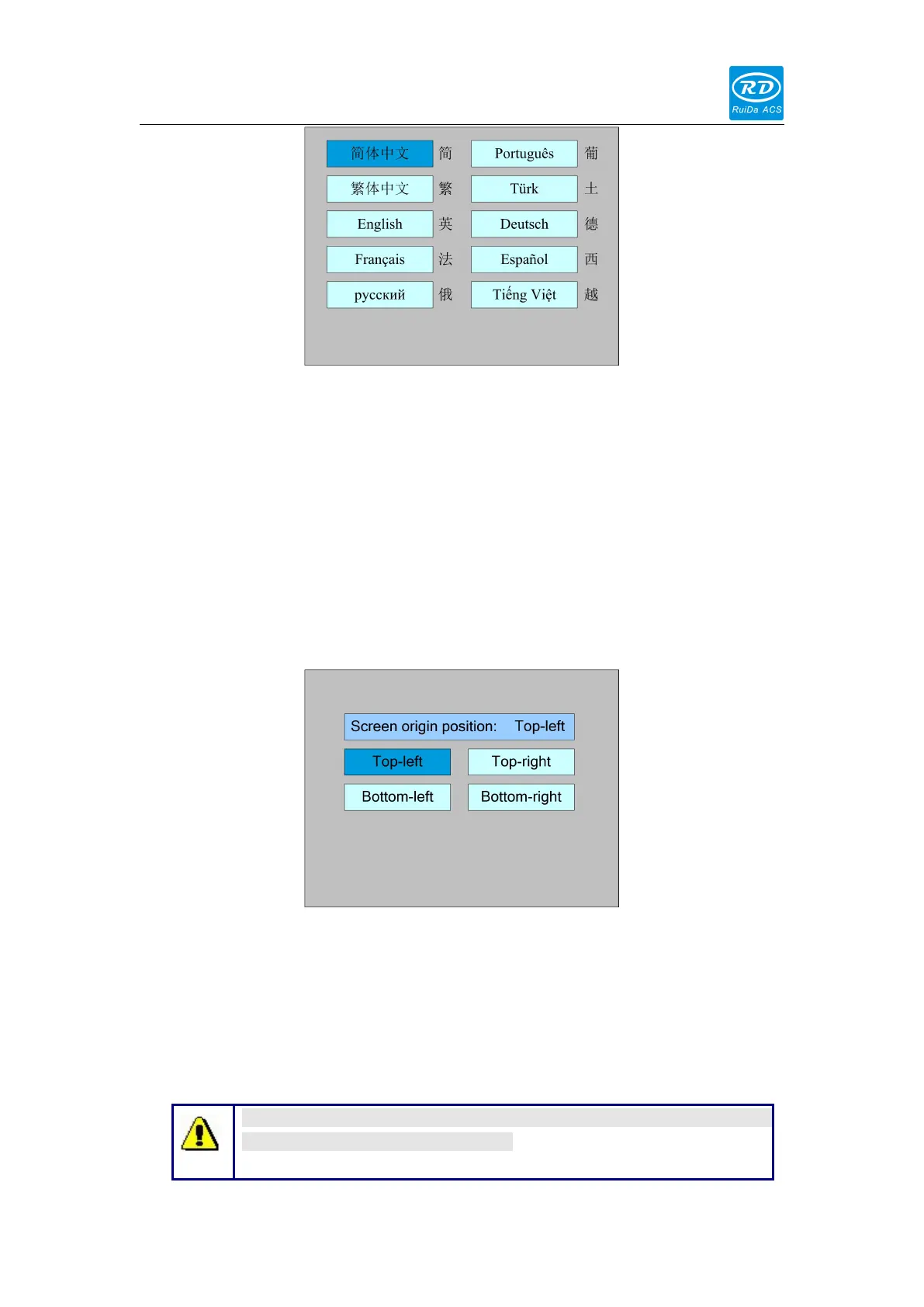
Press the direction key to select a language and press the <Enter> key to set up the
function and automatically return to the menu interface.
8.6.2 Screen origin
Select the "Screen origin" entry under the controller setting interface, press the
<Enter> button, and then pop up the interface as follows:
The display screen's origin position is set here, and different screen origin positions
are selected to adjust the display graphics position in different X or Y directions.
Press the direction key to select a item and press the <Enter> key to set up the
position and press the <Esc> key return to the main interface.
This item is only used to preview the file on the screen, and it is no
meaning to the machine’s movement.



 To Next Page