Shenzhen Reader Technology Co., Ltd
8.7.4 Laser Setting
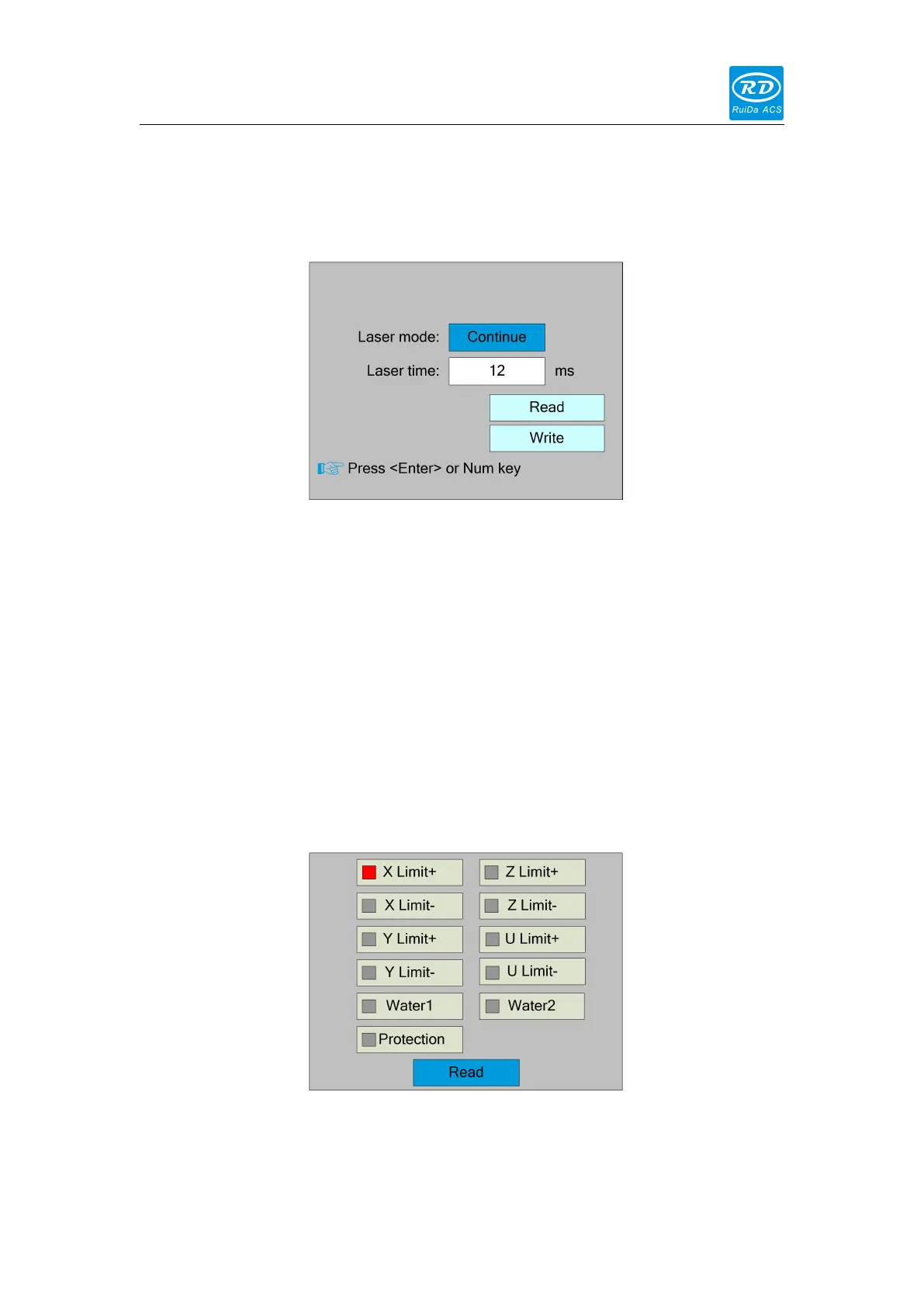
Select the "Laser setting" entry under the funtions interface, press the <Enter> button,
and then pop up the interface as follows:
The operation method is the same as manual setting.
When “Continue” item is selected, then the “Laser time” item is not valid, on that time,
push the Laser key to splash the enabled lasers, and when Laser key is loosed, then
the lasers will finish splashing. When the Laser mode item is “Manual”, then pushing
the Laser key one time, the enabled lasers will splash a fixed time.
8.7.5 Diagnose
Select the "Diagnose" entry under the funtions interface, press the <Enter> button,
and then pop up the interface as follows:
The interface displays the hardware IO information of the system, and reads the
hardware information of the system by pressing the <Enter> key. When the hardware



 To Next Page