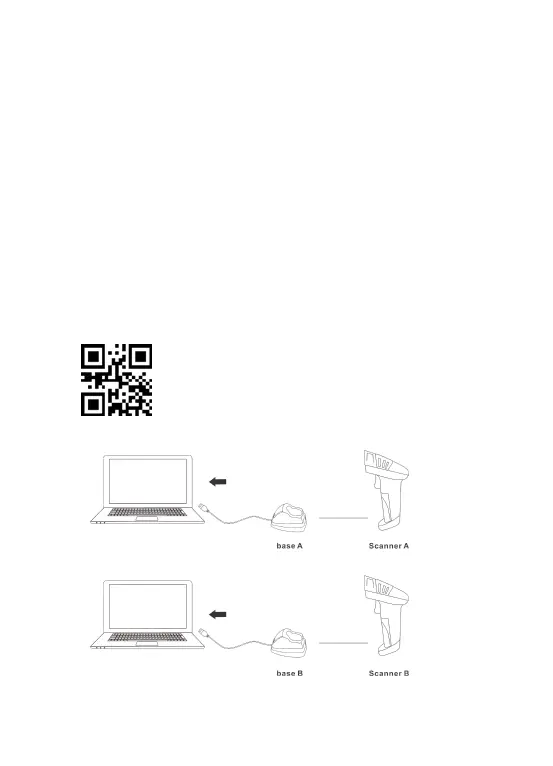
Several units can work independently with different computers in the same
area. They won't interface with each other during work.
If you want to use them on multiple computers, each with own scanner and
base. Please follow the steps.
(1)Plug the base A into PC’s USB port.
(2)Scan the code“match”using scanner A to pair the scanner A with the base
A.
(3)30 seconds after the base A is plugged , plug the base B into Another
PC’s USB port.
(4)Scan the code “match”using scanner B to pair the scanner B with the base
B.
......
Match



 To Next Page