2. Upload Mode Setting
1.1. Instant Upload Mode
Read barcodes and upload it straight to the file you have opened.
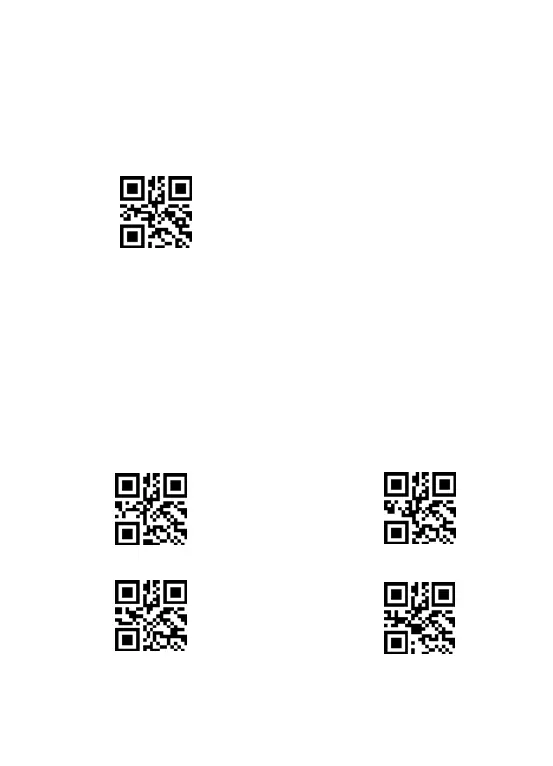
** To set the scanner to upload barcode instantly, scan the following code:
Instant upload mode
Scanning indication:
(1) The buzzer rang "DI" when the barcode is uploaded successfully.
(2) The buzzer rang a slow "DI---en" when the barcode can not be uploaded.
If some character are mixed up, please set the scanner to lower transmission
speed.
The transmission speed between every character can be changed by scanning
the following code. The higher the value, the slower the speed is.



 To Next Page