1.2. Storage Mode
Read bar codes and store the bar codes in scanner’s own memory. You can
upload the data to computer in batches when you need them. Internal
storage saves up to 10,000 bar codes.
Note: In storage mode, the bar code will be stored and will not come up on
your computer instantly. The bar code comes up on your computer only when
you scan the settings code "upload data".
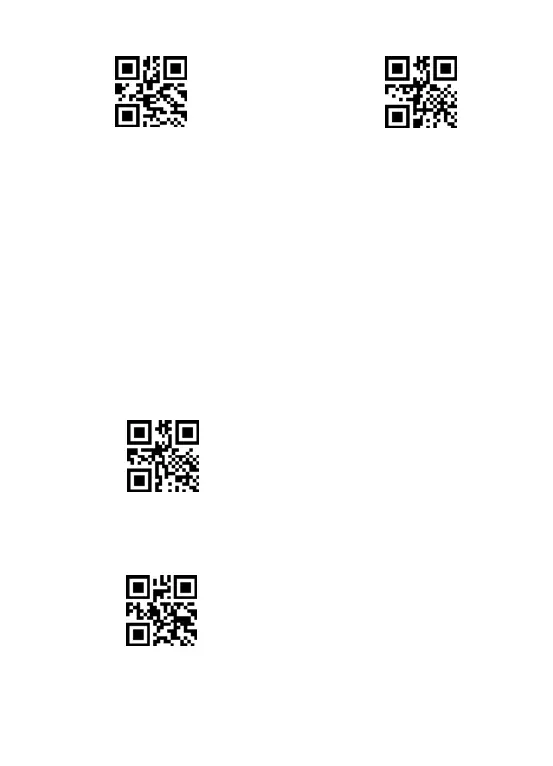
** To convert scanner from "instant upload mode" to "storage mode", scan
the following bar code “Storage mode“.
Storage mode
** To upload data from memory, put the cursor in the blank, and then scan
the “Upload Data” barcode, it will upload all the stored barcode at a time.
Upload data



 To Next Page