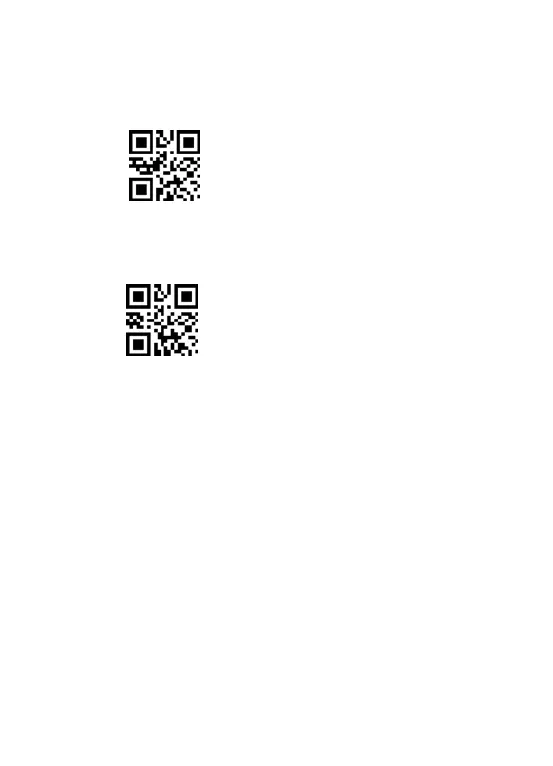
** To show total number of stored bar code, put the cursor in the blank, and
then scan the “Show total storage”bar code. It will out put
“TotalCounters: xx”.
Show total storage
** Scan the barcode “Clear data”to clear all the stored barcode. (for storage
mode only)
Clear data
Scanning indication:
(1) The buzzer rang a fast "DI-en" when the barcode is saved successfully in the
built-in memory of the scanner
(2)The buzzer rang a slow "DI---en" when the barcode can not be saved in the
built-in memory of the scanner. The space of memory is not enough and
cannot store any more barcodes. Please upload the saved barcode by scanning
the code "Upload Data" and then clear the saved barcode by scanning code
"zero clearing".
Note: In storage mode, the transmission speed between every barcode can
be changed by scanning the following code. If some barcodes are missing,
please set the scanner to lower transmission speed.
The higher the value, the slower the speed is.



 To Next Page