3.3. Auto-induction Mode
There’s no need to click the trigger under the Auto-induction Mode. Users just
need to move the barcodes in front of the scanner. A red light band will show
up to read the barcode.
The red light band will go off once the scanner scans barcode successfully or
pre-set timeout expires.
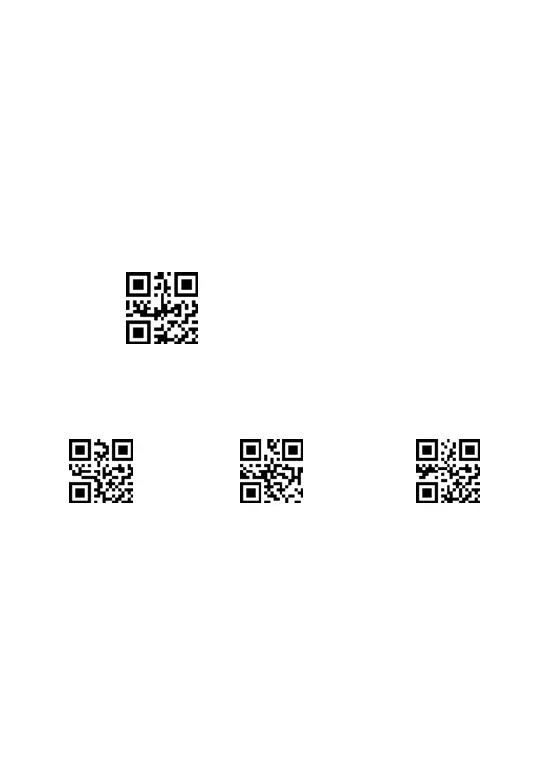
** Scan the following codes to set the scanner to Auto-induction Mode .
Auto-induction Mode
** Scan one of the following codes to select the induction sensitivity.
Note: In Auto-induction Mode. It will be better to set the scanner out to be
longer stand-by time interval. Please refer to the instruction on page 25.
High sensitivity (default)



 To Next Page