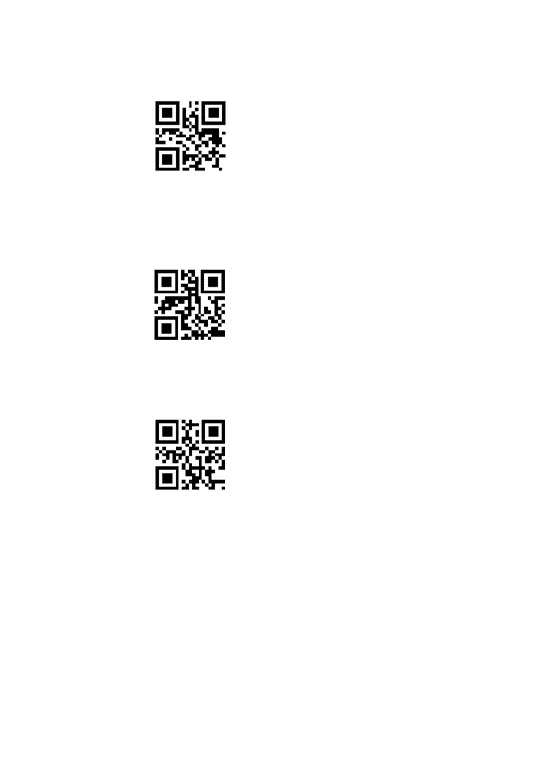
** To upload data stored in scanner, put the cursor in the blank, and then scan the
setting code “ Upload Data “, it will upload all the stored bar code at a time.
Upload data
** To show total number of stored bar code, put the cursor in the blank, and then
scan the “Show total storage”bar code. It will out put “ Total Counts: xx ”.
Show total storage
** Scan the barcode “ Clear data ”to clear all the stored barcode. (for storage mode
only)
Clear data
Scanning indication:
(1) The indicator light flashes once and the buzzer rang a fast "De-di" when the
barcode is saved successfully in the built-in memory of the scanner
(2) The red indicator light flashes once and the buzzer rang a slow "DI---en" when the
barcode can not be saved in the built-in memory of the scanner. It means the space of
memory is not enough and cannot store any more barcodes. Please upload the saved



 To Next Page