15. Insert and delete Character
The barcode scanners permit special characters to be added/delete at the beginning
(prefix) or end (suffix) of the scanned barcode.
15.1 Insert Characters As Prefix
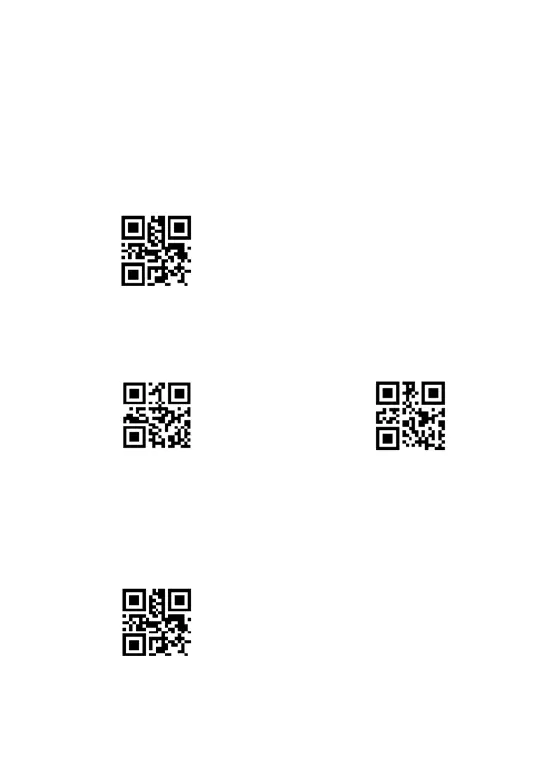
First step: Scan the below code to add characters from the beginning of the
barcode.
Add Prefix
Second step: Scan the character code. ( Character tablet is on page 38)
E.g. To add prefix A, b, scan the character code one by one.
A
b
After that, if you scan your goal barcode, the Ab will be add at the beginning of the
scanned barcode.
Note : To clear previously added prefix characters, scan the code below.
Clear all prefix



 To Next Page