Quick Guide
The scanner has two connection mode: wireless mode and wired mode.
Mode 1: Wireless mode
1). Turning on the scanner, the scanner has triple beeps. Pull the trigger again, the
green aiming light and white LED light will show up. (The scanner has been paired with
the receiver, and set up already.)
2). Insert the USB receiver into the USB port of computer. The scanner top light will
steady on blue and have “di”beep, it means the scanner paired successful. (Unplug
the USB receiver from the PC’s port, the scanner top light will blink green twice and
then goes out.
3). Open notepad on computer and move cursor to the blank where scanning output
should be placed. Scanning results can be displayed on notepad then.
If the bar code does not displayed, please set up the scanner again according to the
following steps.
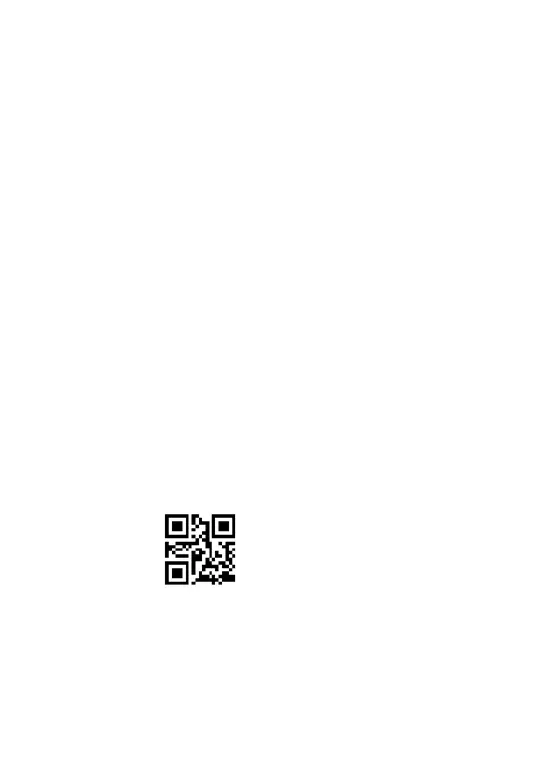
Step 1. Scan the code below to start pairing the USB receiver with scanner.The green
light keep blinking.
Match
Step 2. Unplug the USB receiver and plug it again, then the scanner will have “di--di”
beep , the light on the top of scanner will turn to blue and lighting stably, it means the
scanner paired successful.



 To Next Page