5. Aiming & LED Light Setting
5.1 Aiming Mode
The green beam that projected by the scanner can help user to find out the best
reading distance.
Normal mode:green beam appears when the user press the trigger
Always on : green beam always appears when the scanner is electrified
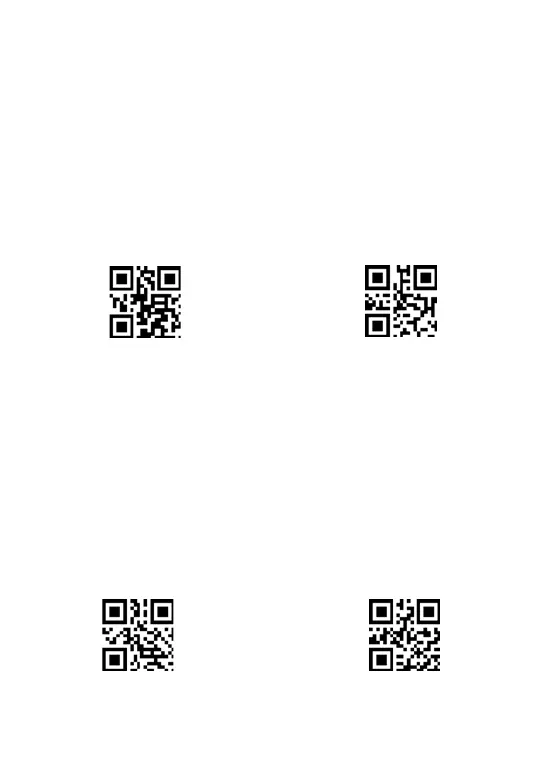
** Scan one of the following code to select the Aiming mode
Normal mode(default)
Always on
5.2 White LED light Mode
The white beam offers auxiliary lighting for reading.
When the white beam projects on the target object, it can improve the decoding
performance and the adaptability of weak ambient light.
Normal mode: white beam appears when the user press the trigger
Always on :white beam always appears when the scanner is electrified
** Scan one of the following code to select the led light mode



 To Next Page