10. Interface Setting
10.1 USB-HID mode (default)
In the HID protocol, there are 2 entities: the "host" and the "device".
The host communicates with the device and receives input data from the device on
actions performed by the human. The most common example of a "host" is a PC.
The "device" is the entity that directly interacts with a human, such as a keyboard or
mouse.
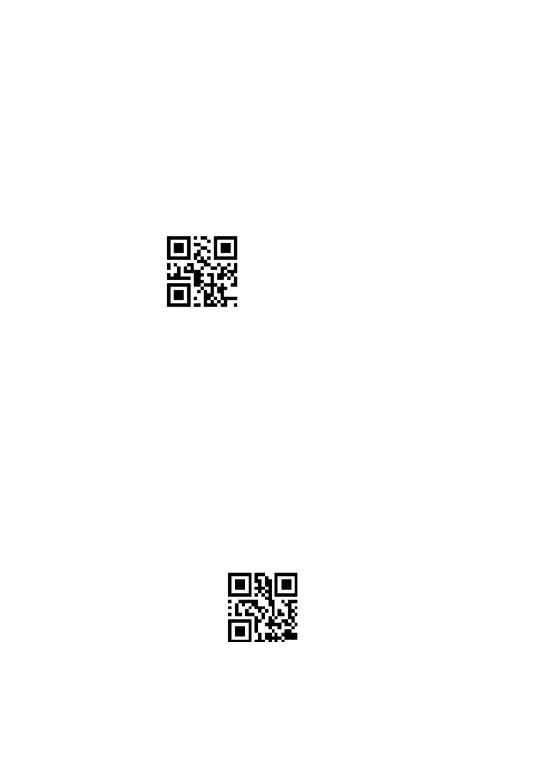
If you want to set the scanner as a keyboard to enter the barcode , please read code
“ USB-HID”
USB-HID
10.2 USB virtual COM mode
In USB virtual COM mode, the scanner needs to work with driver and serial software.
Expected final behavior is that even if you open up another page , the scanned
information will show up in the window of serial software.
Please let us know if you need to set it to USB virtual COM mode,we will send you the
driver.
11. Battery Remaining
To show up how much the Battery is left, put the cursor in the blank, and then scan the
following barcode. It will output “Battery: xx%”.
Battery Reserve



 To Next Page