8. Identify Barcode Type
This is to identify what type of the barcode is, follow the steps below to confirm:
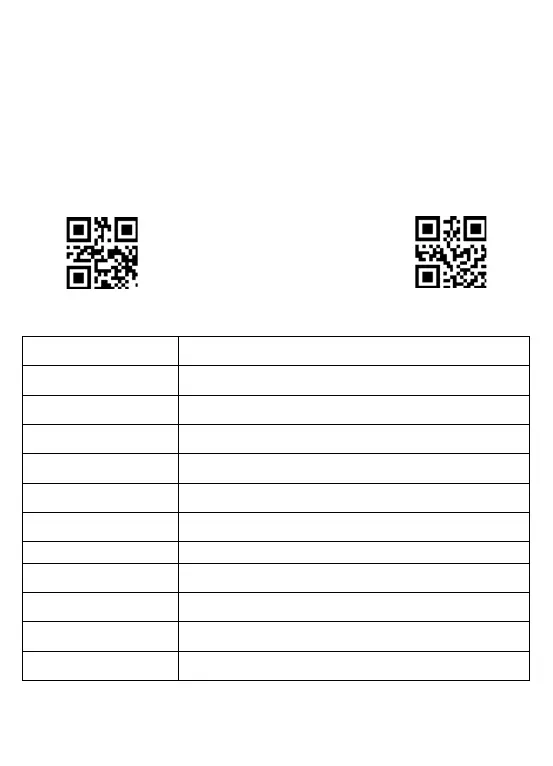
Scan code "Add Code ID " below, then scan your goal barcode, there will be a
character BEFORE the barcode you scanned, and this character states your Barcode
Type. After that, if you don't need this ID any more, scan the code "Turn off ID
(default)" to hide it.
Add Code ID
Scan
Goal Barcode
Turn off ID (default)
CODE ID Barcode Type
A UPC-A, UPC-E, EAN-8, EAN-13
B Code 39, Code 32
C Codabar
D Code 128, ISBT 128
E Code 93
F Interleaved 2 of 5/ITF, ITF14
G Industrial 2 of 5, Standard 2 of 5
H CODE11
J MSI, MSI/Plessey
K UCC/EAN-128/GS1-128
L Bookland EAN/ISBN,ISSN



 To Next Page