15.4 Hide Characters from End Position
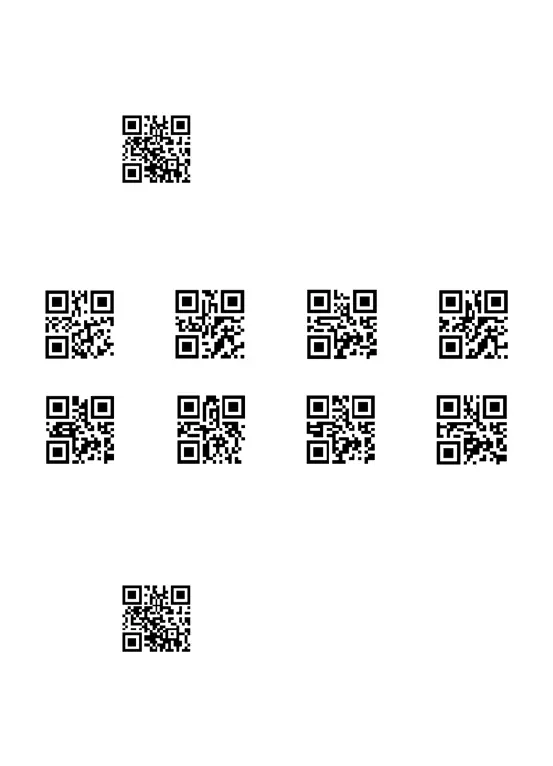
First step:Scan the below code to hide characters from the leading character.
Delete characters from End Position
Second step: Scan one of the following code to hide the corresponding characters.
E.g. To delete the first 3 characters, please scan the number 3.
After that, if you scan your goal barcode 123456789, the 789 will be hided and the
barcode only show 123456.
Note : To reinstate the hidden leading characters, scan the code below:
Reinstate ending character
1
2
3
4
5
6
7
8



 To Next Page