Fault indications
10
102-903109272 V1.0 12/ 12
Fault indications
Fault indications
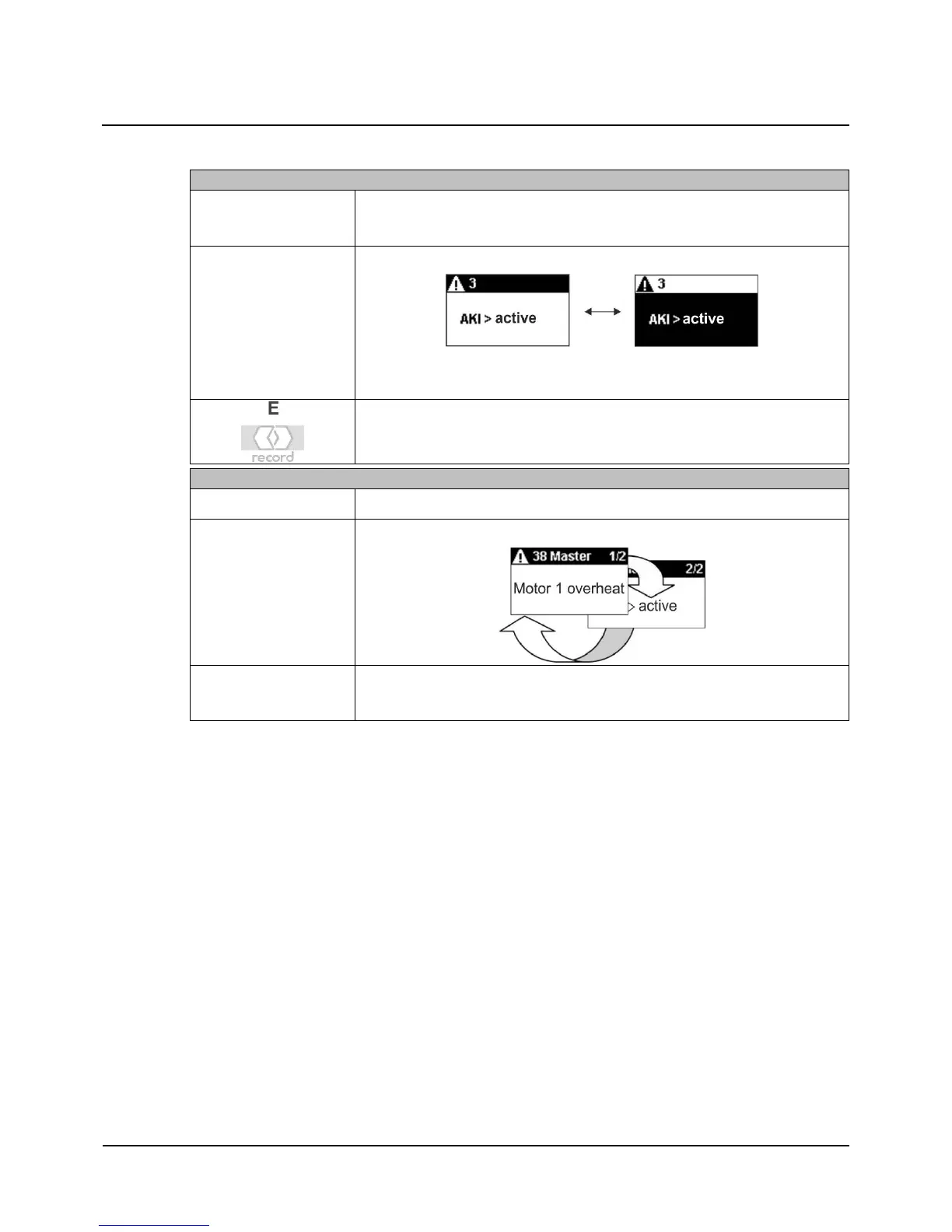
Any current operational faults in the drive system will be displayed in the
Standard screen.
The display changes between normal / inverse after 2 s.
If several faults are active, they will be numbered:
e.g. Fault 1/2
Temporary return to the Standard screen for 4 s.
Master / Slave Installations
You can switch between the current fault of the Master and Slave drives.
Browsing the fault screens.
Temporary return to the Standard screen for 4 s after browsing the fault
screens.
10


 To Next Page