5 Operation
22 / 34 BAL_DFA_70_EN_1V0_REC_102-127109270
Continuously open / OPEN
The door is opened and stays open. If an obstruction stands in the way while opening, the operator
tries another five times within a few seconds to bring the door to the target position. Should the
obstruction remain, the current position is then validated as the continuously open position.
Locked
The locking is activated in the Locked operation mode.
CLOSED OPENING OPEN CLOSING
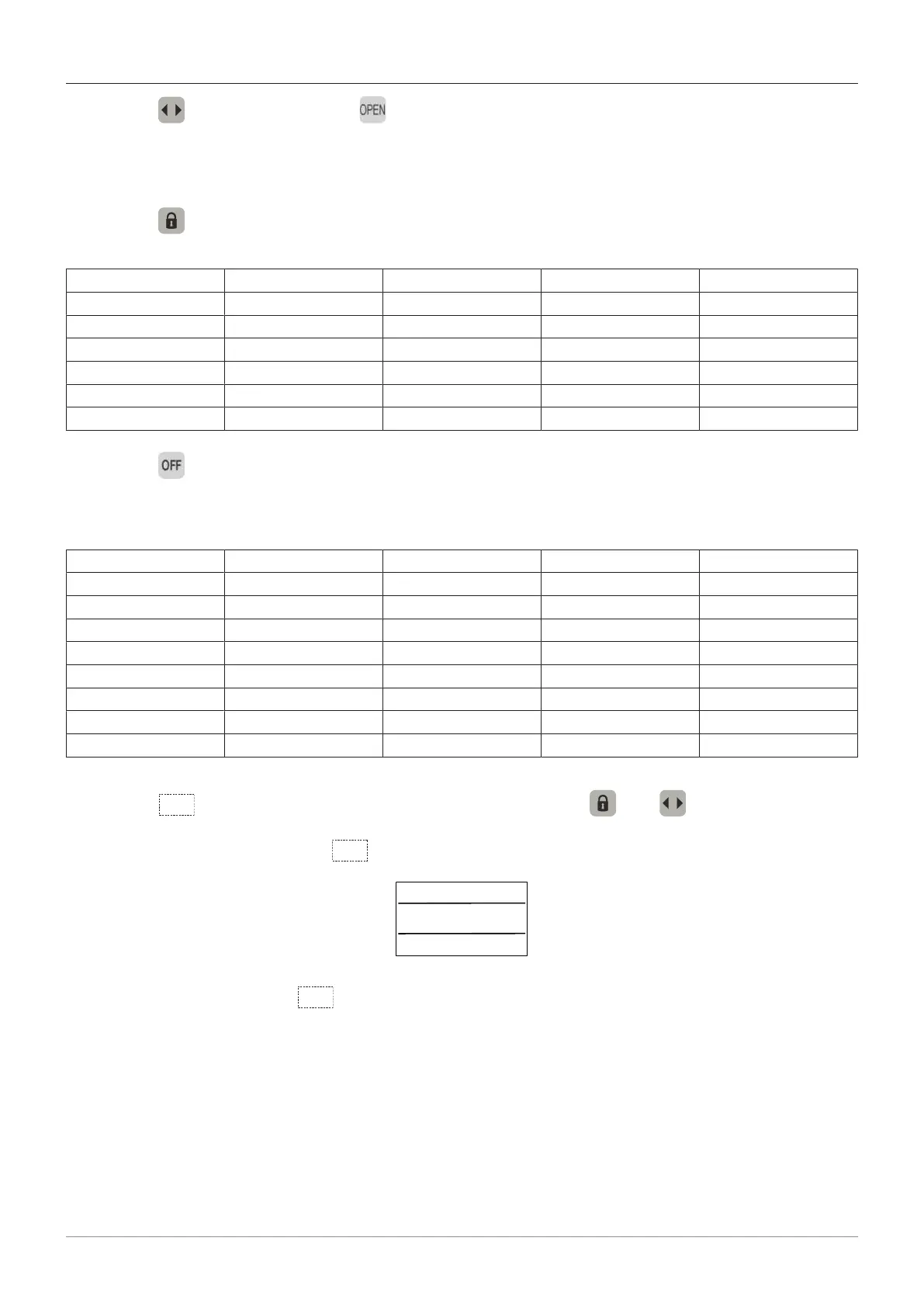
AKI X X X
AKA X X X
SSK X X X X
SIO X X X
SIS X X
TIPP
OFF
This operation mode can be used only in the USA. The operator is switched to manual operation
(without configurations). An SSK opening is possible, but only under surveillance because some
monitoring functions are disabled. Functions like parameter settings, Flash-update, continue to work.
CLOSED OPENING OPEN CLOSING
AKI
AKA
SSK X X X X
SIO
SIS
TIPP
BODYG X X
RAILB X X
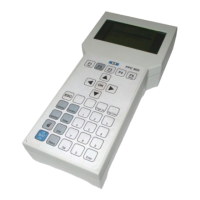
RESET (hidden button between the buttons and )
After pressing the button
for approx. 5 seconds, this status message appears on the display:
Press on the button
again to reset the operator.



 To Next Page