Chapter 1.
Configuration Overview: The GConf System
The GConf system is one of the primary means to configure the users’ desktops, therefore a brief
overview of this system is provided below.
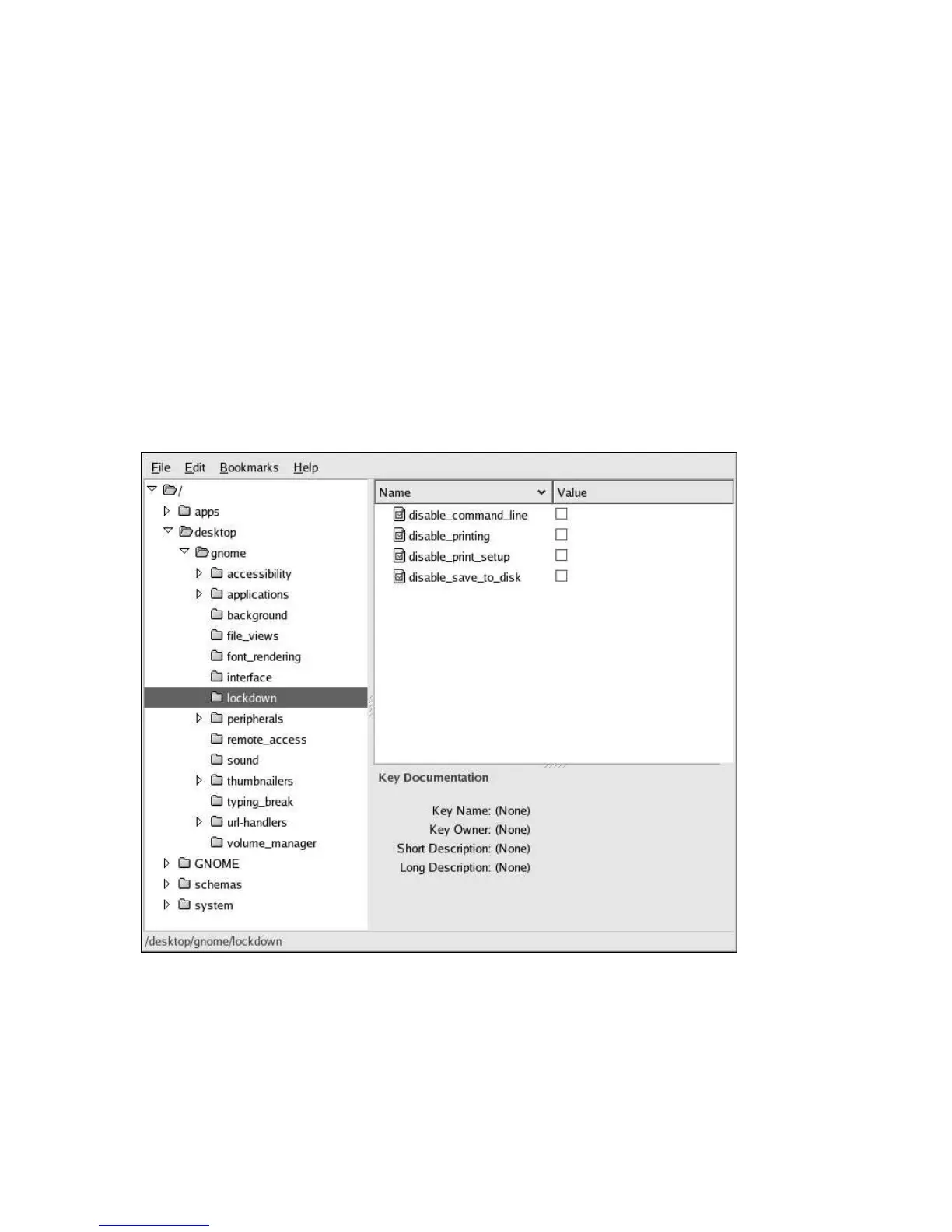
Many configurable quantities are accessible via key/value pairs using the graphical GConf editor tool.
This tool is available from the command-line using the command /usr/bin/gconf-editor, or,
more simply by typing gconf-editor in a terminal. The GConf editor is also available through
Applications (the main menu on the panel) => System Tools => Configuration Editor.
For more detailed information on GConf Editor, refer to the Configuration Editor Manual through
Applications (the main menu on the panel) => Help, and by selecting the Applications Category, then
the Utilities Category, and finally, by selecting the Configuration Editor Manual Document.
Figure 1-1. The GConf Editor
1.1. Background: Configuration Sources
The following provides background material that the administrator may find useful, especially when
saving current desktop preferences.



 To Next Page