Chapter 1. Configuration Overview: The GConf System 3
$(ENV_name)
Any other environmental variable may be referenced by prefixing the environmental variables
name with ENV_.
1.2. Setting System-Wide Default and Mandatory Preferences
You can set system-wide settings using either the graphical GConf editor or the command line utility,
gconftool-2. Examples of each method are given below.
Caution
You should make sure that all users are logged out before changing any system-wide default or
mandatory preference settings.
1.2.1. Using GConf Editor
When logged in as root, you can use GConf editor to set system-wide default and system-wide
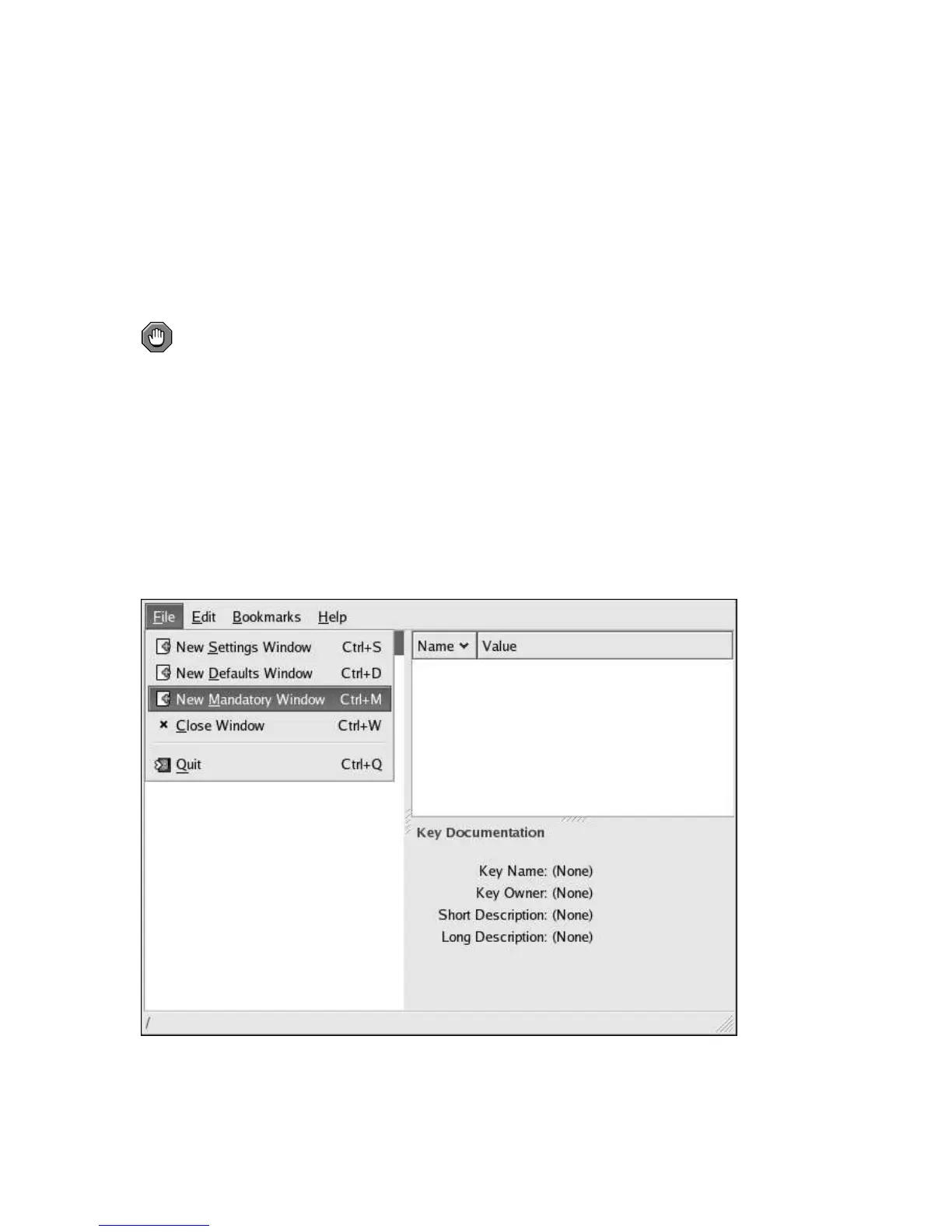
mandatory settings by opening a special GConf editor window. For example, to set mandatory
system-wide settings, run GConf editor and choose New Mandatory Window from the File menu
as shown in Figure 1-2.
Figure 1-2. Mandatory Settings Using GConf Editor



 To Next Page