30 Chapter 5. Remote Desktop Access
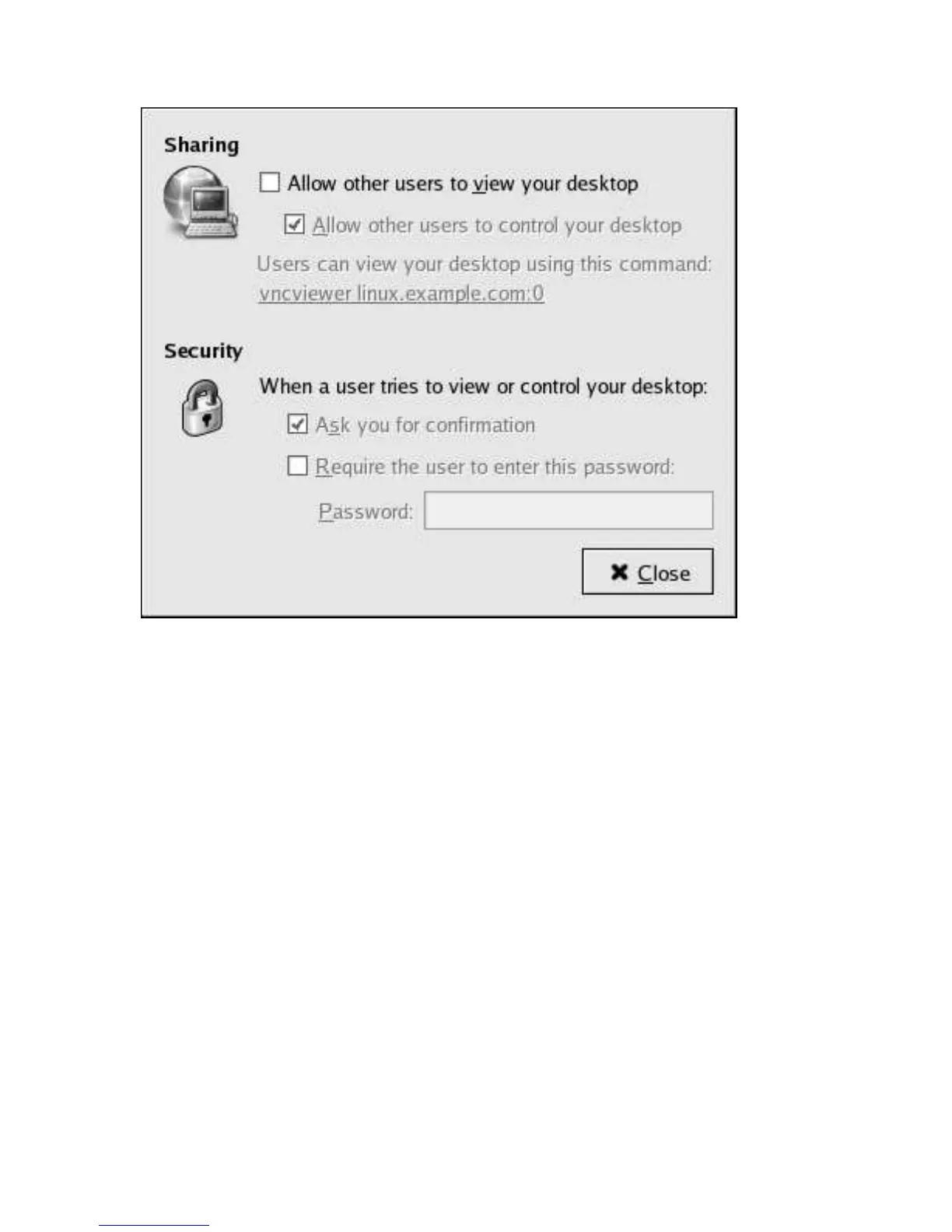
Figure 5-1. Default Remote Desktop Access Control Dialog
As can be seen in the above image, the access can be granted in a number of ways:
• Allow other users to view your desktop
• Allow other users to control your desktop
• When a user tries to view or control your desktop:
• Ask you for confirmation
• Require the user to enter this password (followed by a text input box.)
5.1.1. Gaining Remote Administrative Access
For remote administration it is recommended that the administrator check all the boxes in the Remote
Desktop dialog and set a required password for the administrator to gain access. This recommended
configuration is shown in Figure 5-2.



 To Next Page