Chapter 4. Locking Down the Desktop: Disabling GNOME Desktop Features 15
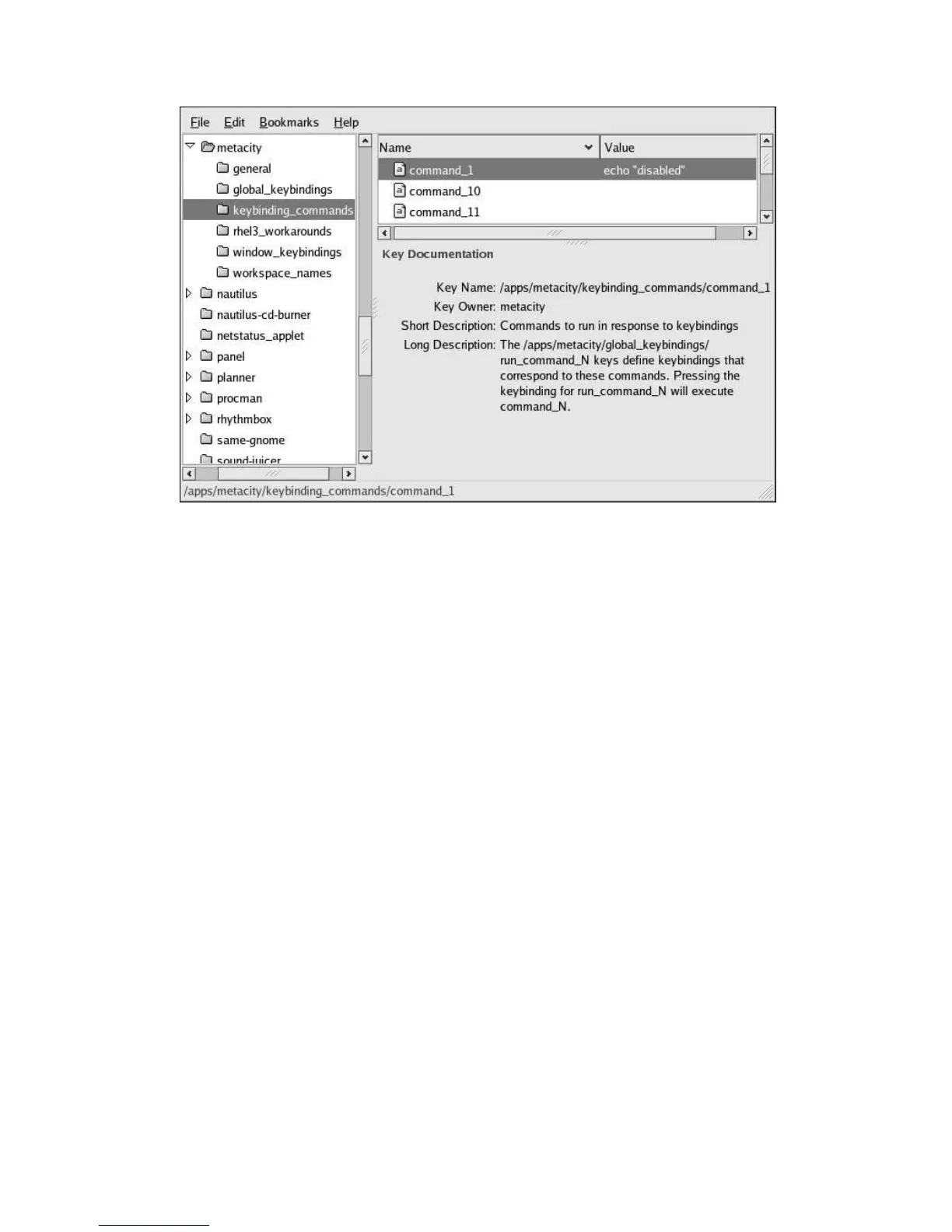
Figure 4-3. Resetting the run_command_1 Key
4.2.2. System-Level Configuration
To disable [Ctrl]-[Alt]-[Delete] at the system level, comment out the relevant section in
/etc/inittab as shown below:
# Trap CTRL-ALT-DELETE
#ca::ctrlaltdel:/sbin/shutdown -t3 -r now
4.2.3. Disabling [Ctrl]-[Alt]-[Backspace]
To disable the [Ctrl]-[Alt]-[Backspace] key combo from terminating the X session, add a
Serverflags section to the X configuration file /etc/X11/xorg.conf and add a DontZap option
to the section.
Section "Serverflags"
Option "DontZap" "yes"
EndSection
4.3. Locking Down the Panel
To disable changes to the configuration of the panel, set the
/apps/panel/global/locked_down



 To Next Page