Chapter 4. Locking Down the Desktop: Disabling GNOME Desktop Features 25
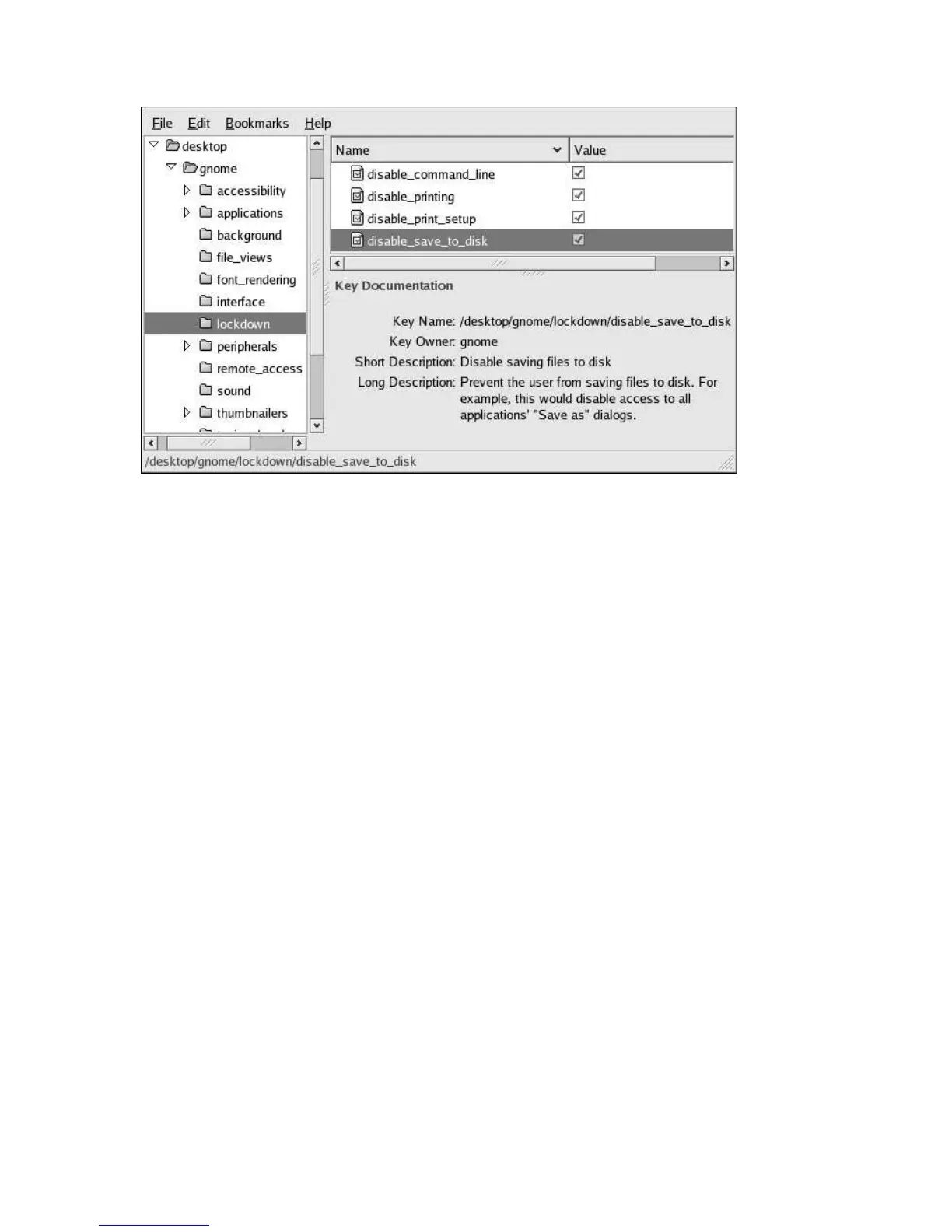
Figure 4-13. Disabling Writing to Disk
4.7.4. Disabling Application Force Quit
To prevent the user from forcing an application to quit by eliminating access to the force quit button,
set the
/apps/panel/global/disable_force_quit
key as shown in Figure 4-14.



 To Next Page