16 Chapter 4. Locking Down the Desktop: Disabling GNOME Desktop Features
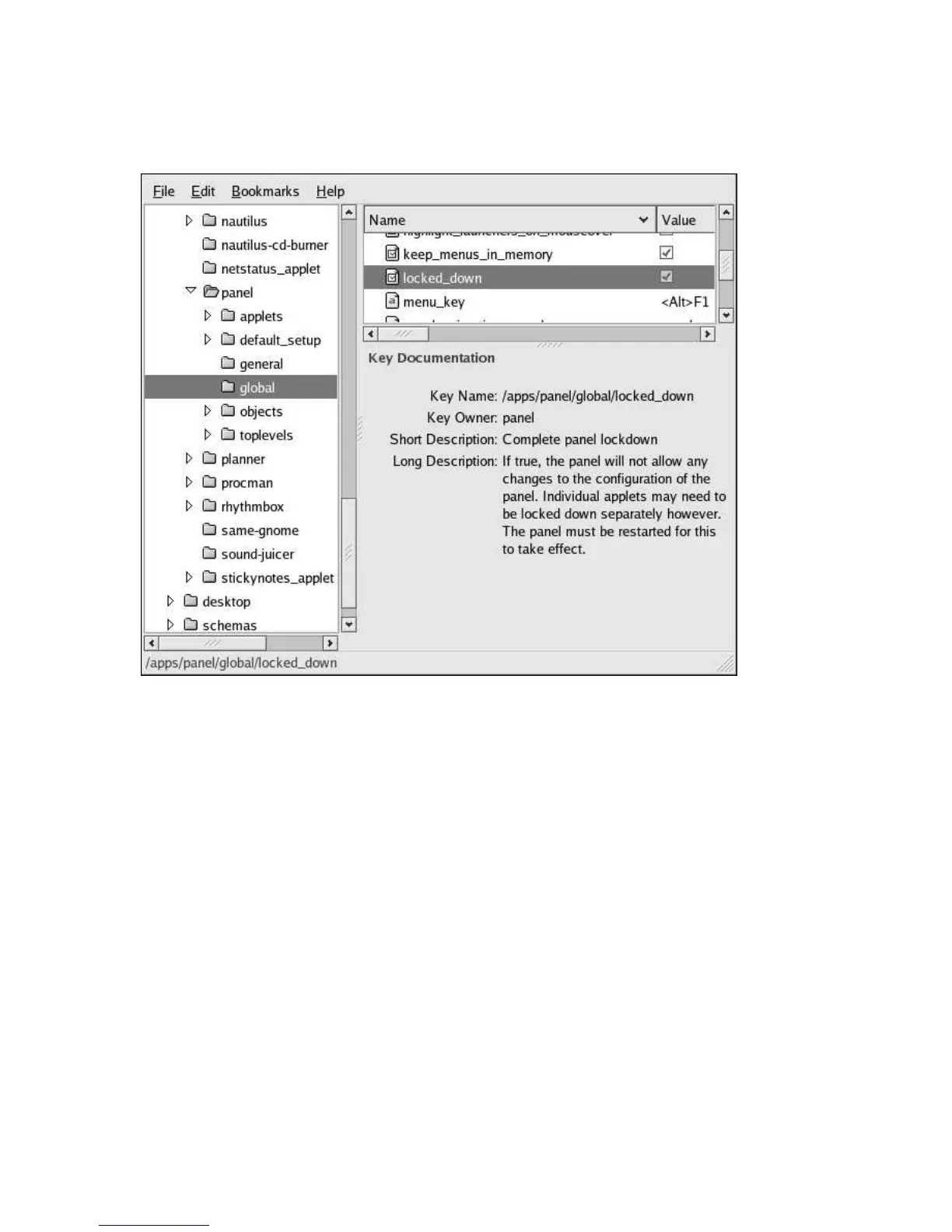
key using Gconf editor, as shown in Figure 4-4.
Figure 4-4. Locking Down the Panel
4.3.1. Disabling Applets
To disable certain applets from loading or appearing in the applet menu, you can
specify which applets you wish to disable by adding the appropriate applet IID to the
/apps/panel/global/disabled_applets key.
For example, to disable the Show Desktop applet, add the applet IID
OAFIID:GNOME_ShowDesktopApplet to the /apps/panel/global/disabled_applets key
as shown in Figure 4-5.



 To Next Page