34 Chapter 5. Remote Desktop Access
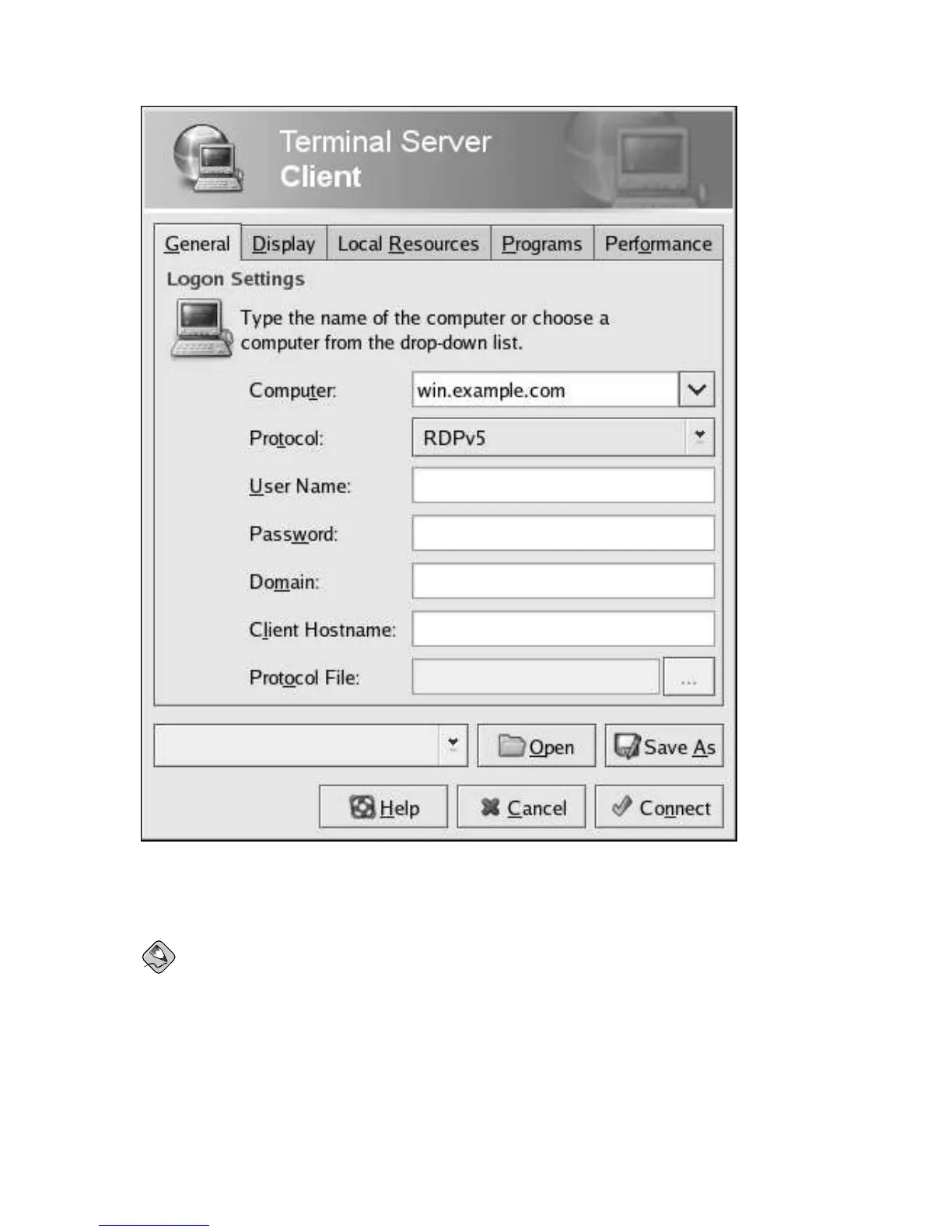
Figure 5-4. Terminal Server Client Using RDP to Connect to a Windows Desktop
After choosing Connect, you will be prompted for a user name and password.
Note
The user account with which you connect to the terminal server must have administrative privileges
on the machine to which you are connecting.



 To Next Page