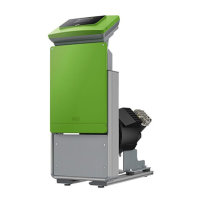
Fillcontrol Plus — 06.07.2016 - Rev. B English —
6.3.2 Hydraulic connection
6.3.2.1 Connection to the facility system
Note!
Starting up of the pump causes vibration in the device. This transfers loud noises into the system
pipes.
Connect the pipes to the device using flexible connections.
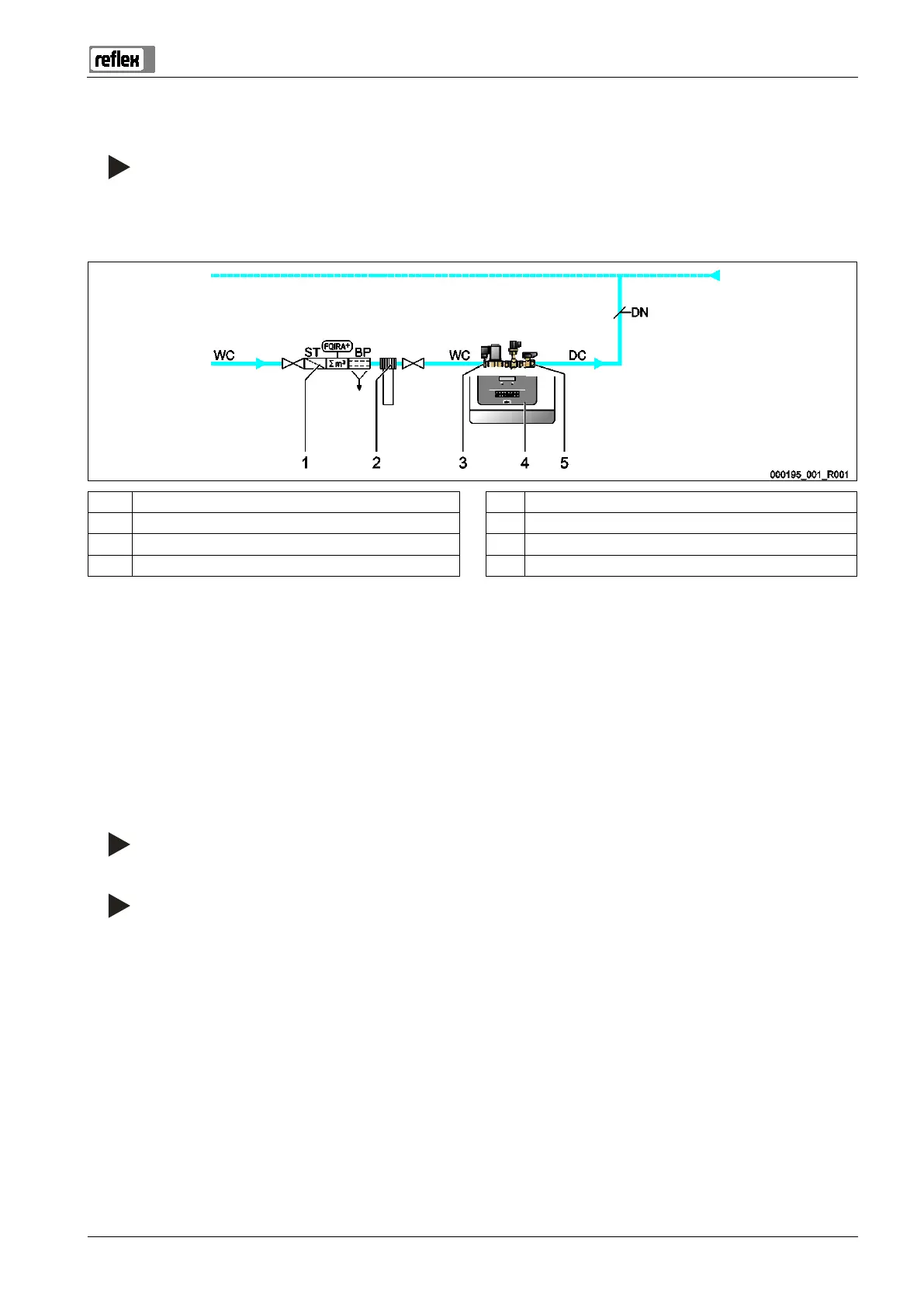
1 Fillset Impuls 5 "BV" shut-off device
2 "Fillsoft" softening system WC Make-up line to the device
3 "WV" Make-up valve DC Make-up line to the system
Nominal diameter of the make-up line
Prepare the connection as follows:
1. Select the "DN" nominal diameter for the make-up lines.
– At a length of up to 10 metres: DN 15.
– At a length of more than 10 metres: DN 20.
2. Connect the "DC" make-up line to the "BV"shut-off device.
3. Connect the "DC" make-up line to the system.
4. Connect the "WC" make-up line to the "WV" make-up valve.
5. Connect the "WC" make-up line to the external fresh water system.
The make-up lines are connected.
Note!
Use a pressure reducer in the "WC
" make-up line if the fresh water system pressure exceeds 6 bar.
Note!
For selecting the make
-up variants, see chapter 6.4 "Switching and make-up variants" on page 18 .



 To Next Page