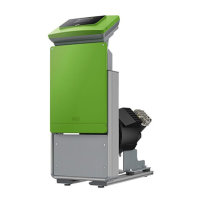
— English Fillcontrol Plus — 06.07.2016 - Rev. B
6.4 Switching and make-up variants
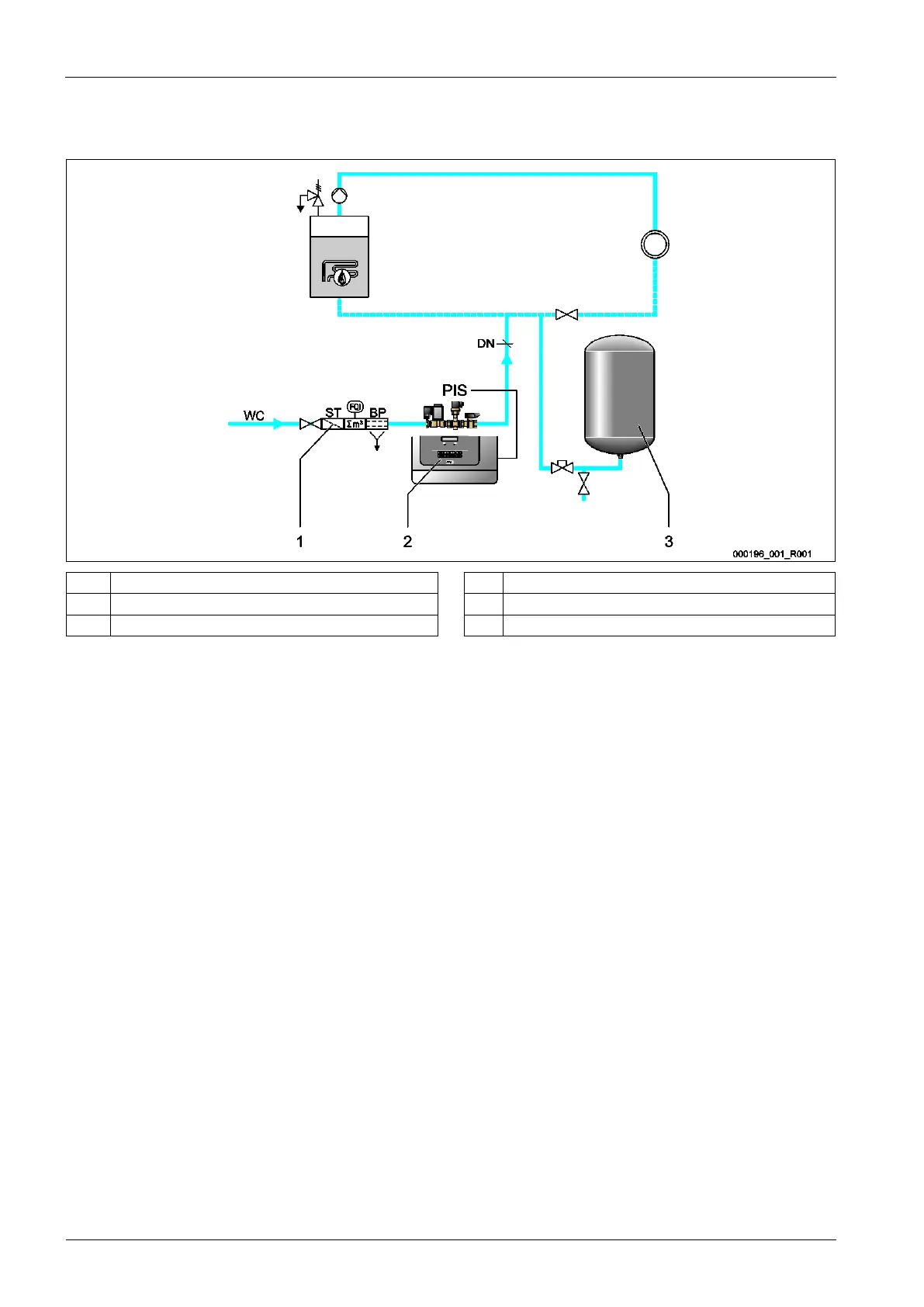
Example of a pressure-dependent make-up with "Fillcontrol Plus".
1 Fillset PIS Pressure transducer
2 Fillcontrol Plus WC Make-up line to the device
3 Diaphragm expansion tank MAG DC Nominal diameter of the make-up line
In facility systems with a diaphragm expansion tank, the "PIS" pressure transducer in the device monitors the make-up with fresh water.
When the required filling pressure for water make-up drops below the minimum value, the pressure transducer sends a signal to the
device controller. The make-up is released. Fresh water is added to the facility system.
Proceed as follows:
1. In the Customer menu, activate the "Magcontrol" mode, see chapter 9.2.1 "Customer menu" on page 34 .
2. Connect the pressure line near the connection to the diaphragm expansion tank.
– This ensures that the "PIS" pressure transducer detects the filling pressure required for the make-up with fresh water.
– For calculating the filling pressure,see chapter 7.2 "Determining the P
0
minimum operating pressure for the controller" on
page 24 .
3. Do not use nominal diameters below the specified diameters for the "WC"make-up lines.
– You will avoid an undesired cycling of the make-up.



 To Next Page