Commissioning 35
Configuring Inverters with the Mobile App REFUset
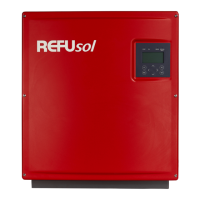
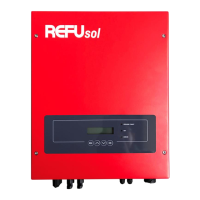
REFUsol 100K
982059/02
2020-11
EnglishDeutsch
5.3 Configuring Inverters with the Mobile App
REFUset
You can use the mobile app REFUset for iOS or for
Android platforms to do all necessary settings.
At the first start-up of the REFUsol 100K, REFUset will
show the initial inverter setup screen for these set-
tings:
∘ Country of installation
∘ Grid code (grid guidelines, with multiple selection)
∘ Nominal grid voltage
Optional settings:
∘ Permanent Power limitation
∘ Remote Stop Signal
∘ Network settings RS485
∘ Network settings Ethernet
REFUset also offers more functionality like error log
file, performance data diagrams and extended set-
tings.
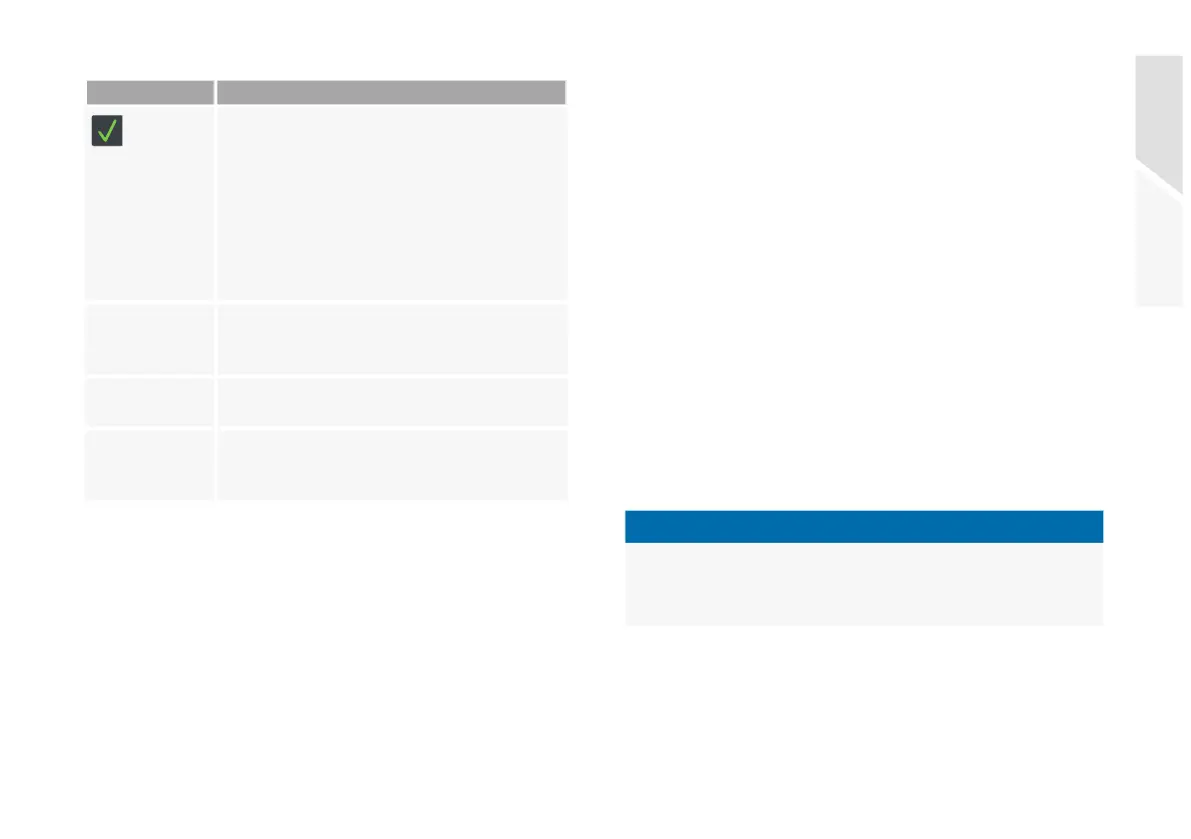
CLEAR key
▸ To acknowledge an error, press the key
briefly (less than 5 seconds).
▸ Press and hold the key for more than
5 seconds to enable or disable user
clearance (test mode). When the mode
is active, the Clear key and Fault indi-
cator flash rapidly at the same time.
Update state The FAULT indicator is permanently on, the
GRID and SOLAR indicators flash alternate-
ly.
Initialization
state
Right and left indicators flash alternately
during startup.
State
“No Grid Code
selected“
The FAULT indicator is permanently off, the
GRID and SOLAR indicators flash alternate-
ly.
Tab. 11: Indicator and keys of the display panel
Indicator/Key Description
NOTICE
▸ For certain settings, you need a personal password,
which is provided from REFU Elektronik GmbH on re-
quest.



 To Next Page