87
Systems
DVD-CD
The media center houses the DVD-CD disc tray.
Follow the directions on the quick reference cards to play the desired
disc.
As an option, the control buttons can be used on the top
of the media center.
Note: When you use the Source button on the media
center to select a component for play such as DVD-CD
the Bose master remote will not control that source.
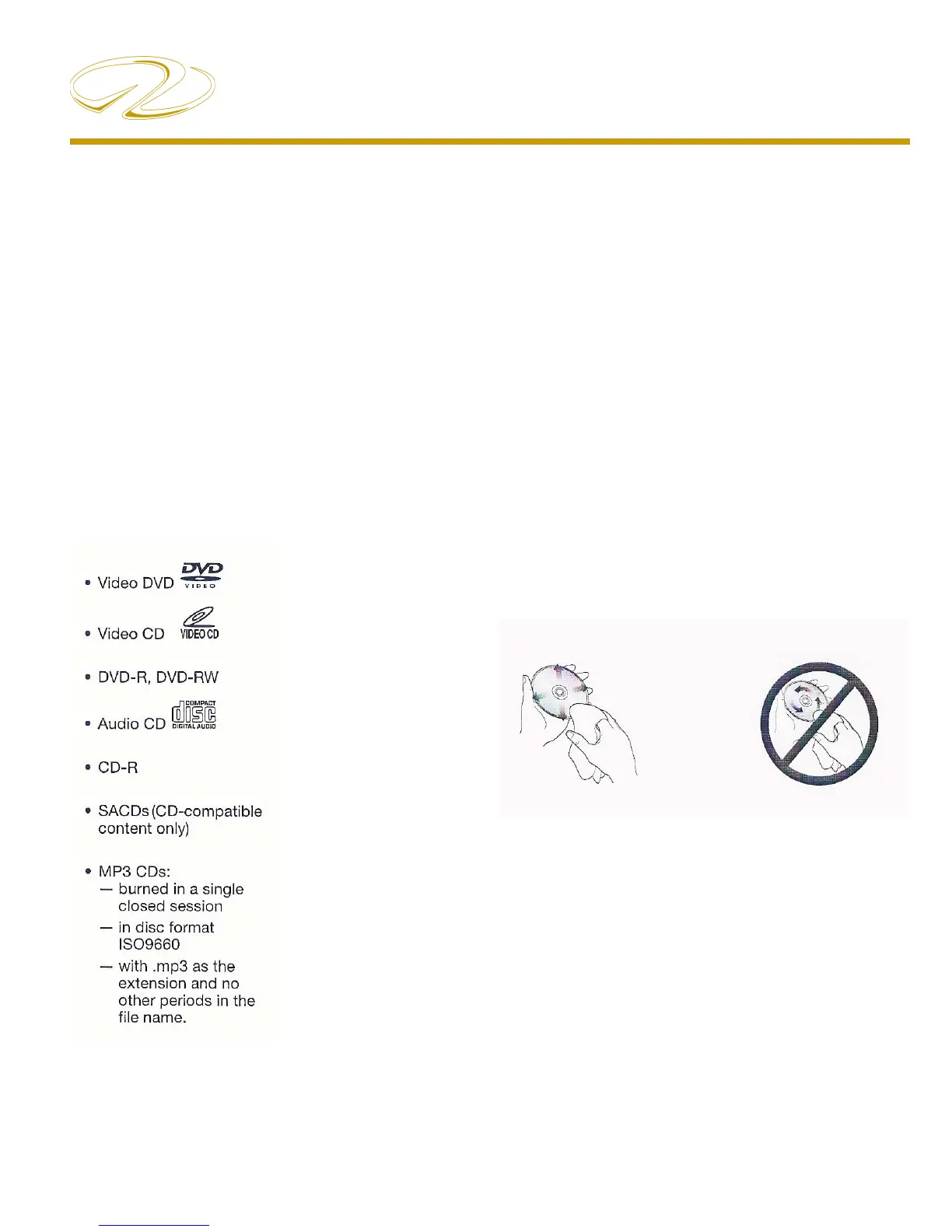
Checking For Disc Compatibility
If you encounter a problem when attempting to play a
disc, check to make sure it is one of the compatible types
as shown below.
Disc Care
Dirt or scratches on a disc can prevent it from playing
properly.
You can avoid this problem by:
Handling all discs by their edges to prevent fi nger-1.
prints and scratches. Return them to their cases after
use.
Avoiding exposing discs to chemical products that 2.
can cause damage
Writing directly on a disc or on a label attached to the 3.
disc.
Direct sunlight, high temperatures, and humidity.4.
Always use a soft, dry and lint-free cloth to clean the 5.
disc. Wipe straight out from the center to the edge.
DO NOT USE A
CIRCULAR MOTION
WIPE STRAIGHT OUT



 To Next Page