7.2 Startup
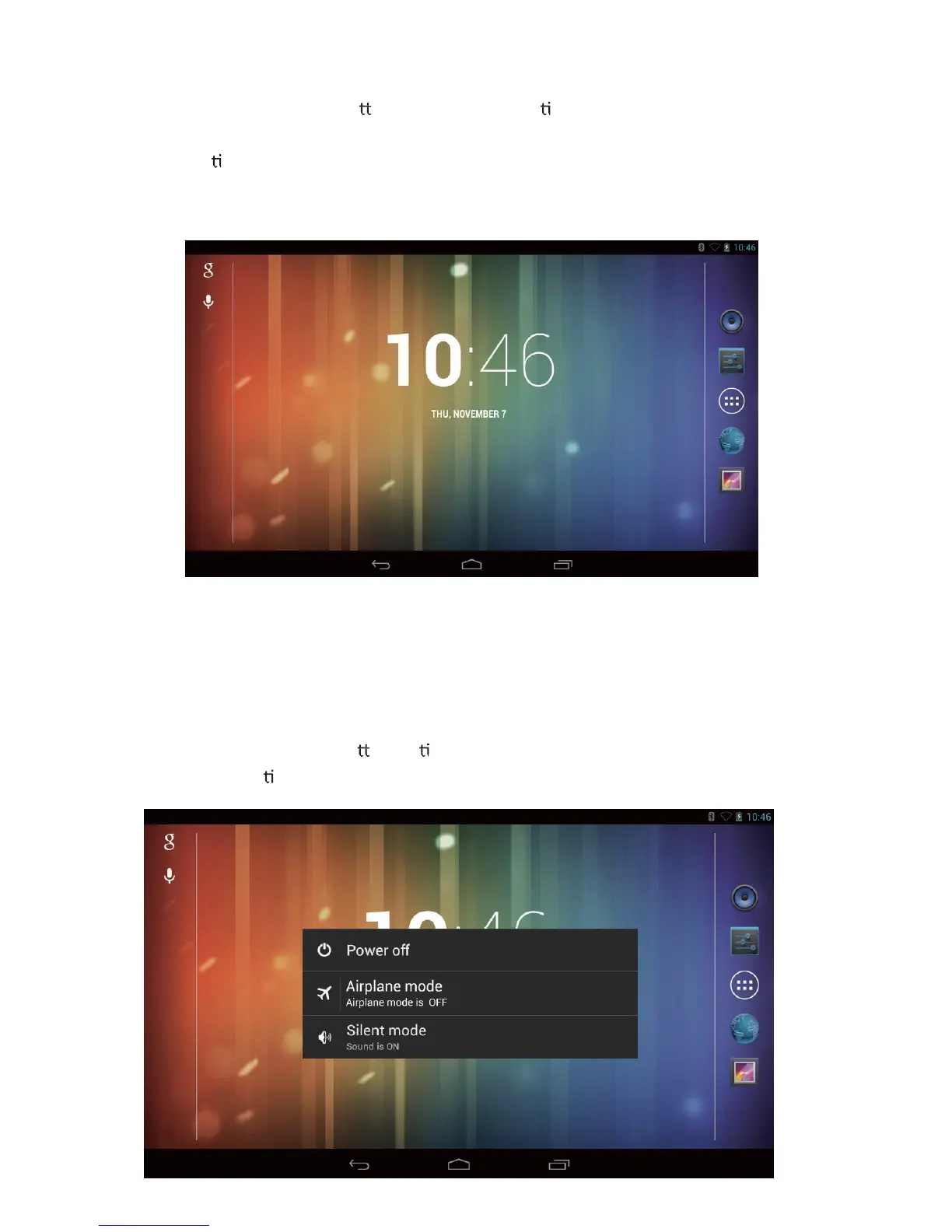
Press and hold the power bu on for 3 seconds un l the Tablet starts to boot. Once it
has finished, the lock screen will be shown. To unlock, drag the “locked” symbol to
the right un l it becomes an “unlocked” symbol.
Note: This screen may have different wallpaper; this can be customized by the user.
You will now be at the default desktop page.
7.3 Shutdown
Press and hold the power bu on un l the Power off pop-up appears on the desktop.
Choose the OK op on to power off the Tablet (as shown below).



 To Next Page