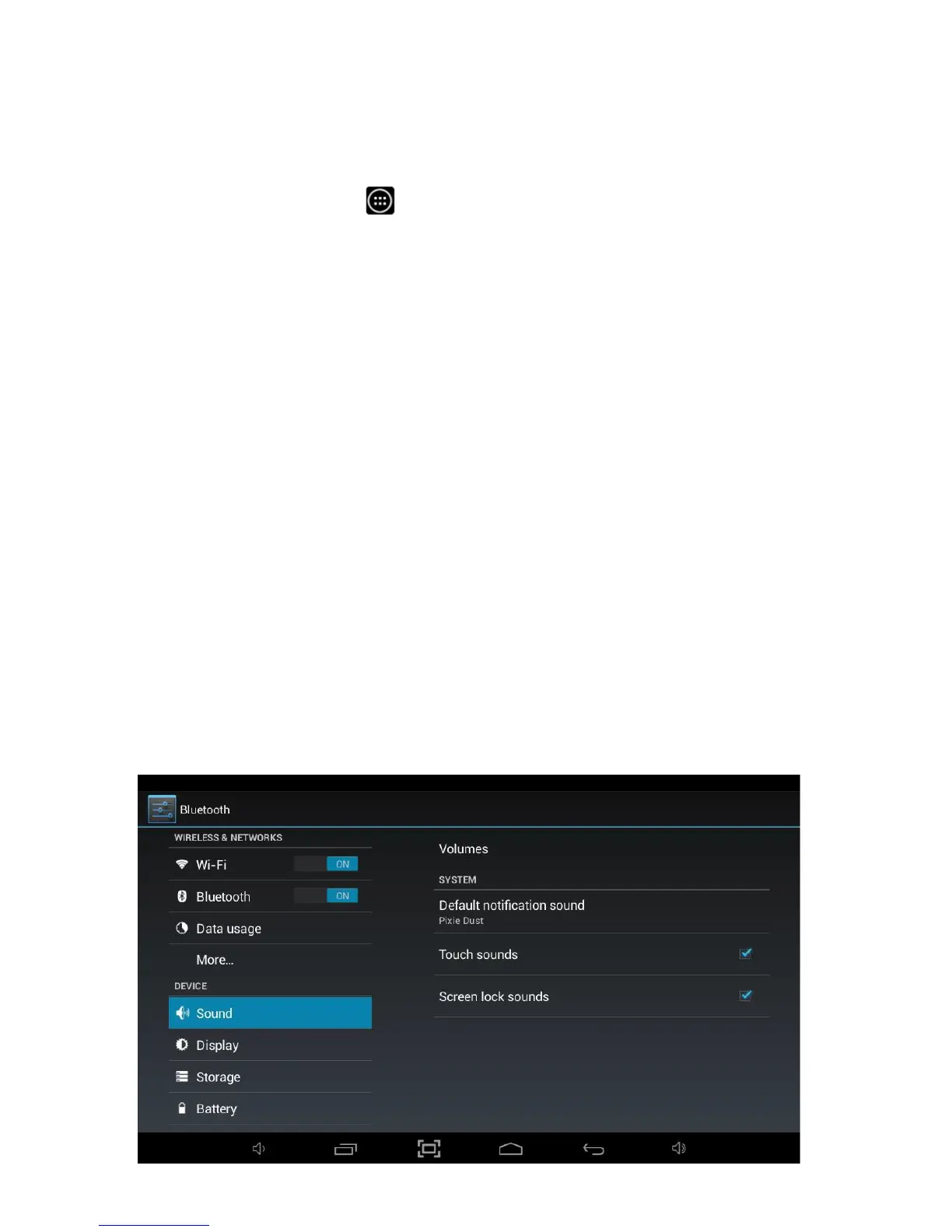
8.3 Sound
The Sound option allows access to all the sound settings available within the
Tablet.
To access Sound settings, you will need to access the settings menu. Tap the
Applications Launcher icon
at the bottom of the Home Screen. Tap on the
Settings icon from the Application Launcher page.
Tap on the Sound menu option on the left hand side menu.
Within this option, you can make the following changes:
This option allows you to configure the default volume settings for
Music, video, games & other media, Ringtone & notifications and
Alarms.
Silent Mode This option allows you to Mute the Tablet or turn Silent Mode
Off.
Allows a different sound for
notifications
to be selected.
This option allows you to turn the sound caused by touching the
screen off.
This option allows you to turn the sound caused by unlocking the
screen off.
Allows the tablet to be set to Vibrate whenever the screen is
touched (if supported).



 To Next Page