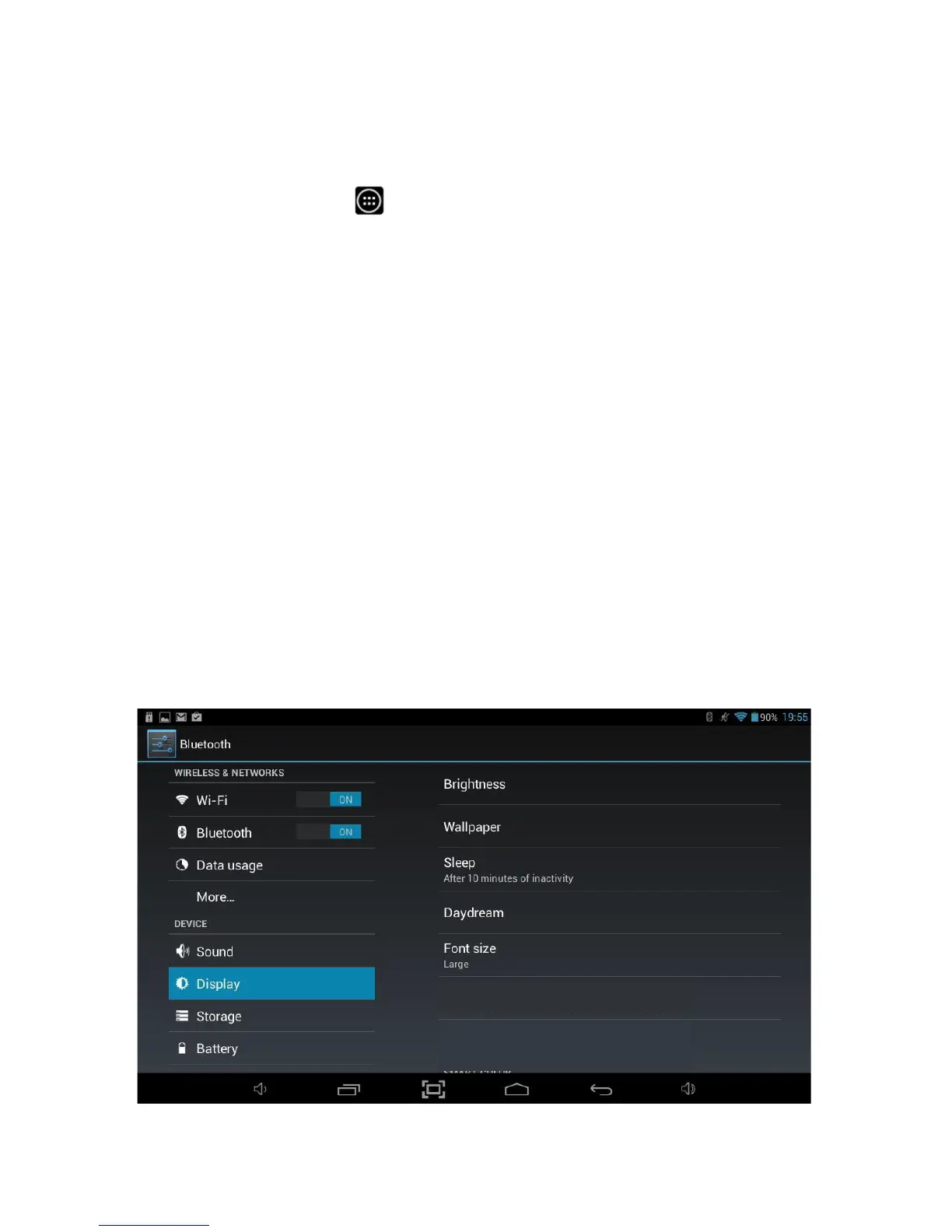
8.4 Display
The Display option allows access to all the display settings available within the
Tablet.
To access Display settings, you will need to access the settings menu. Tap the
Applications Launcher icon
at the bottom of the Home Screen. Tap on the
Settings icon from the Application Launcher page.
On the left hand side menu options scroll down by sliding your finger upwards until
you can see the Display option, and then tap on this.
Brightness This option allows you to configure the default brightness of the
screen.
Wallpaper Select different desktop wallpaper from Gallery, Live Wallpapers or
Wallpaper.
Auto-rotate
screen Enable or disable automatic screen rotation when the tablet is
rotated.
Sleep Set the time period before the tablet enters sleep mode from never
to 30 minutes.
Font Size Allows the default font size to be changed in order to allow easier
reading of text.
screen adaption
Used to adjust size of some games display
screen.



 To Next Page