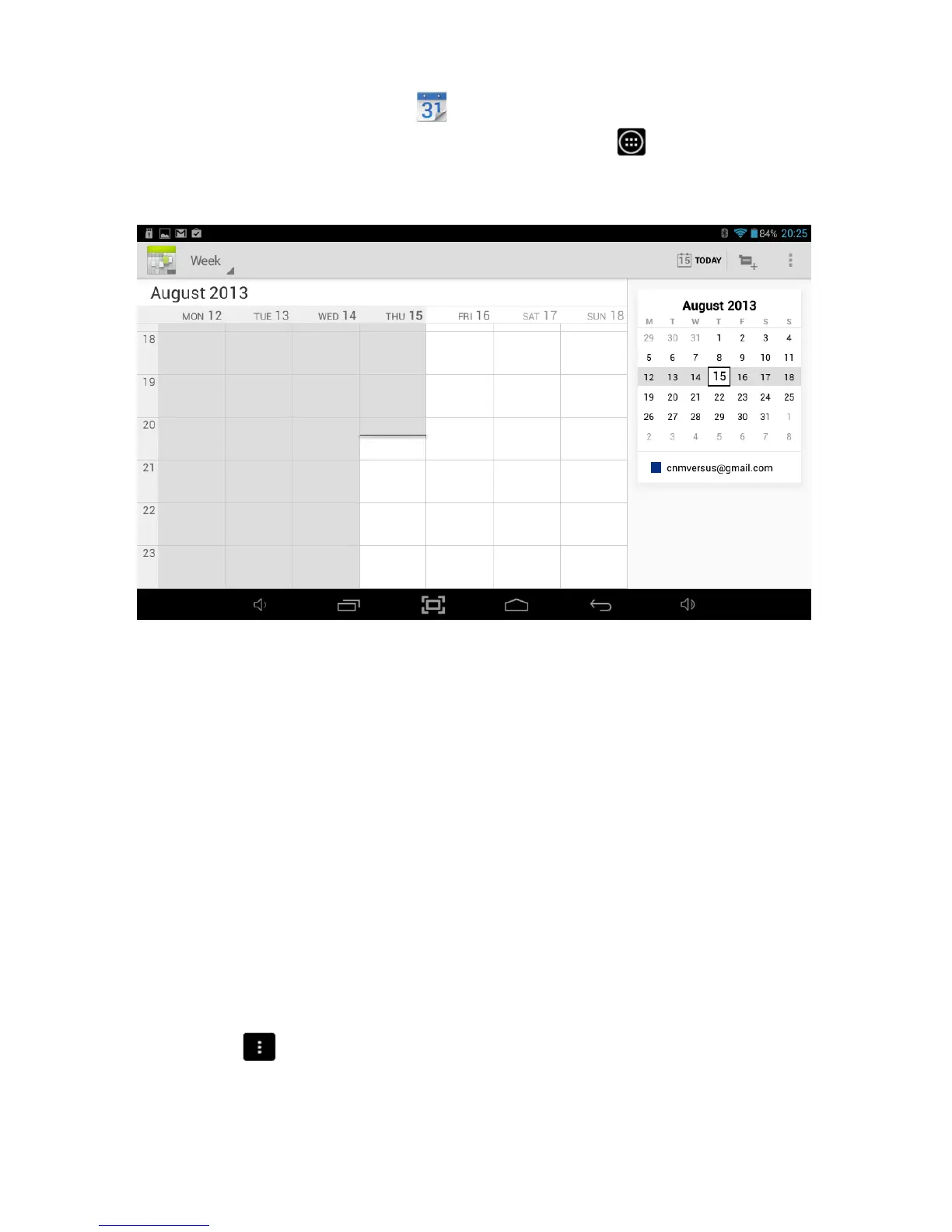
9.3 Calendar
To open the Calendar, touch the
icon on the All Applications Quick Links Bar.
Alternatively, you can tap the Applications Launcher
icon
at the bottom of the
Home Screen.
To add an entry into the Calendar find a cell that corresponds to the time and date you
want to add the entry for and touch the cell until a New event option appears.
Select New event, enter all the relevant details and select Done once you are finished.
Once an event has been saved, you can Touch it to view its details.
To change the Calendar view, choose Day, Week, Month, or Agenda using the tabs at
the top of the screen.
Swipe to scroll vertically or horizontally. In the Day or Week views, spread your fingers
apart or pinch them together to zoom in or out.
To access other functionality within the Calendar including Search and Settings, touch
the menu icon and select from the available options.



 To Next Page