9.4 Clock
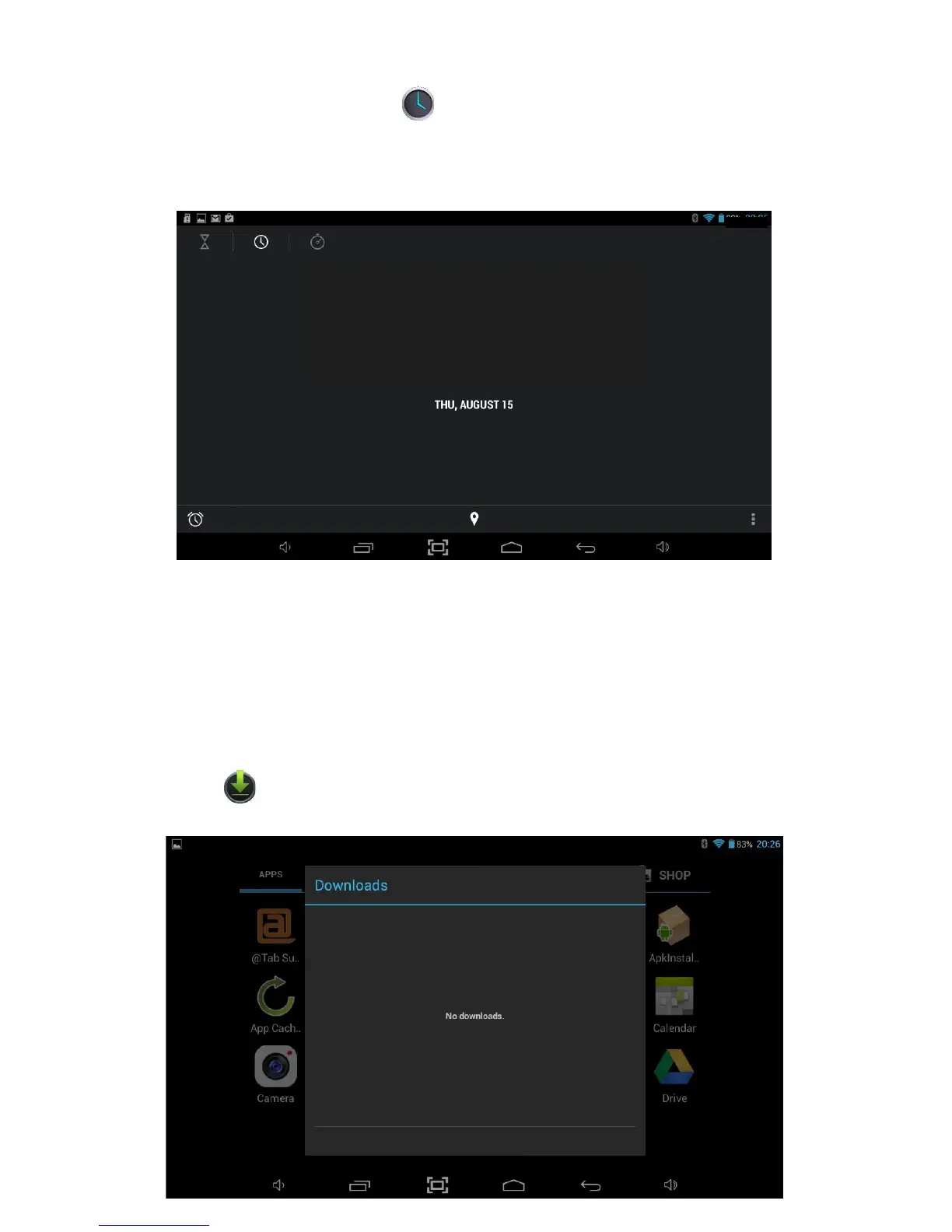
To access the Clock, touch the
icon on the All Applications Quick Links Bar or
from within Applications Launcher. The Tablet will show a large clock on screen and
access to other functionality will be disabled until you exit the clock function by
pressing the Back or Home menu options.
08:25
08:25AM
Pressing the screen will dim everything on screen including the clock, holding your
figure down on the screen will dim everything on screen except the clock.
You can set an alarm by touching the Set alarm option and selecting Add alarm. Setup
the alarm and select OK when finished.
9.5 Downloads
You can see the all applications and files you have downloaded by touching the
Downloads icon on the All Applications Quick Links Bar or from within
Applications Launcher.
36



 To Next Page