7.7 Applica ons
To access all the applica ons available on the Tablet from the
Desktop, slide the All Applica ons Quick Links Bar up or down by
holding it with your finger and moving your finger up or down.
To select an applica on you wish to run, tap on the icon of the app
you wish to run to select and run it.
To add and remove applica ons from the All Applica ons Quick
Links Bar, hold your finger down anywhere on the desktop for two
seconds. Un ck any applica ons you don’t want to appear and
select the back bu on.
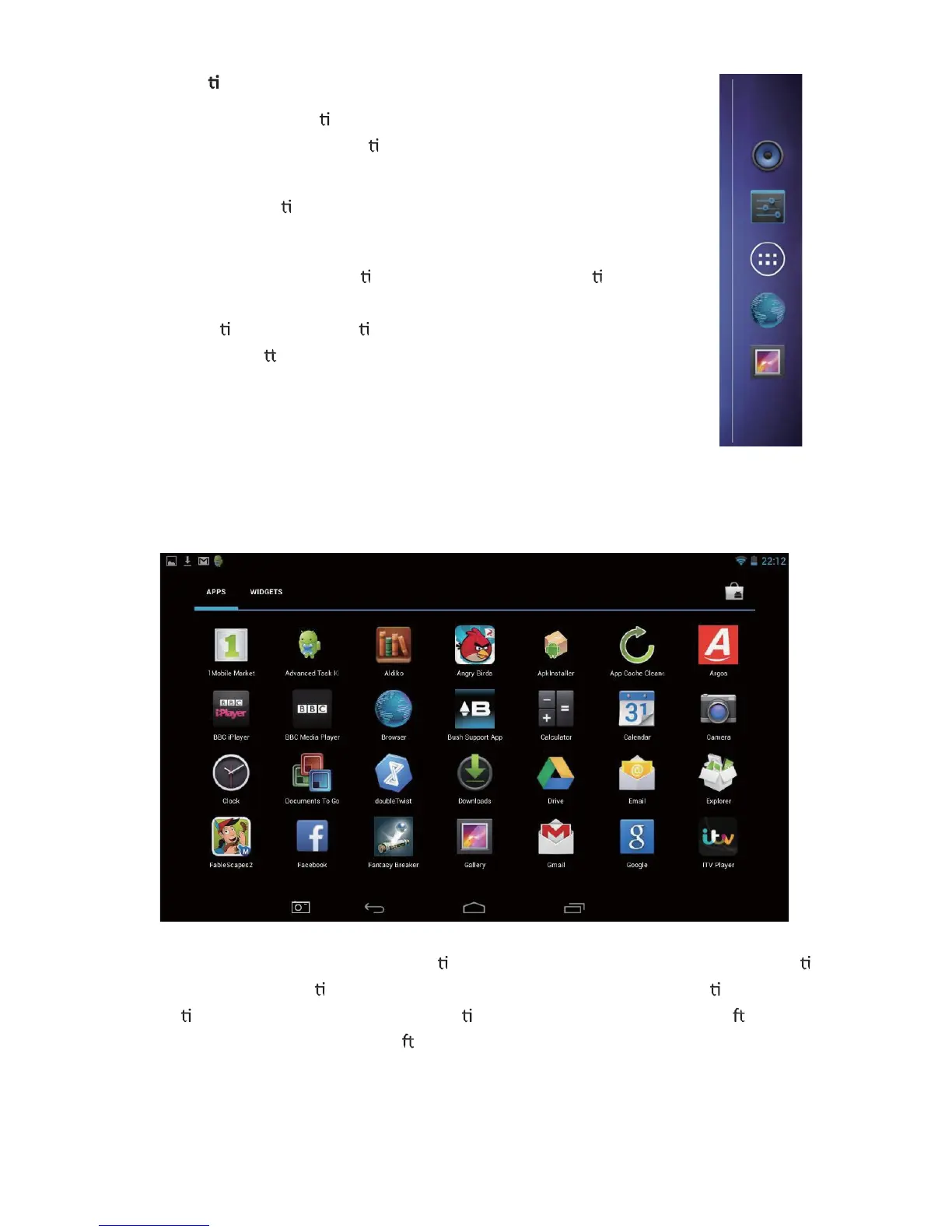
From this page you can run any applica on by touching the symbol for that applica on.
Each page of the applica ons list will show a number of installed applica ons, in
alphabe cal order. To access more applica ons, scroll the window to the le by
swiping your finger from right to le .



 To Next Page