Gmail
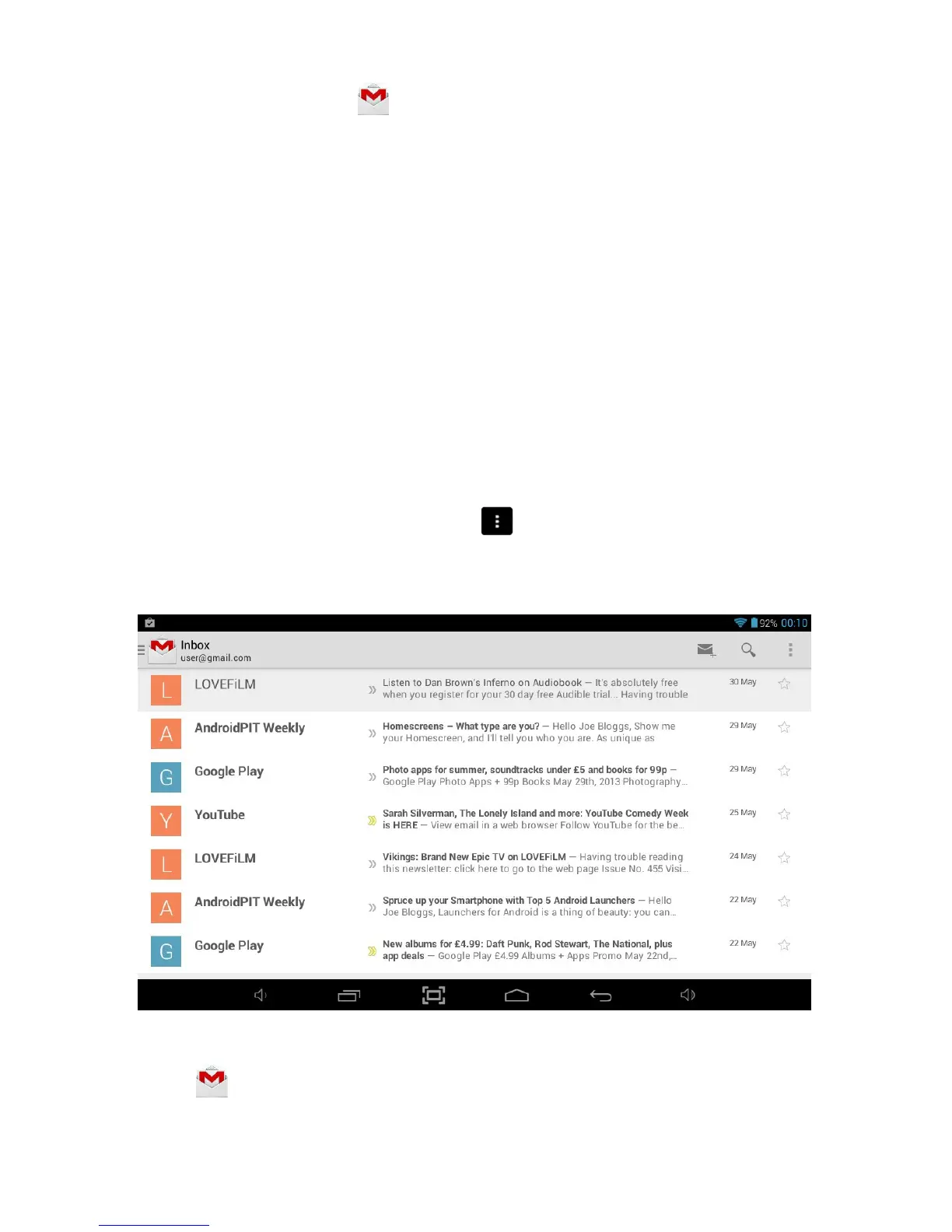
To launch Gmail, touch the icon on the All Applications Quick Links Bar or from
within Applications Launcher and Gmail will open in the Inbox.
From here, you can:
Touch a message to read it. Unread messages are bold.
While you are reading a message:
Touch the icons and menu along the bottom of the screen to
archive, throw away, label, or perform other actions on that
message.
Swipe left or right to read the previous or next conversation.
Check the box beside a message to select it. Then use the icons
and menu along the bottom of the screen to manage the
selected messages.
Change your
settings
Touch the Menu icon
to change your preferences, add an
No matter where you are within Gmail, you can always get back to the Inbox by
touching
in the top left corner of the screen.



 To Next Page