EasyManua.ls Logo

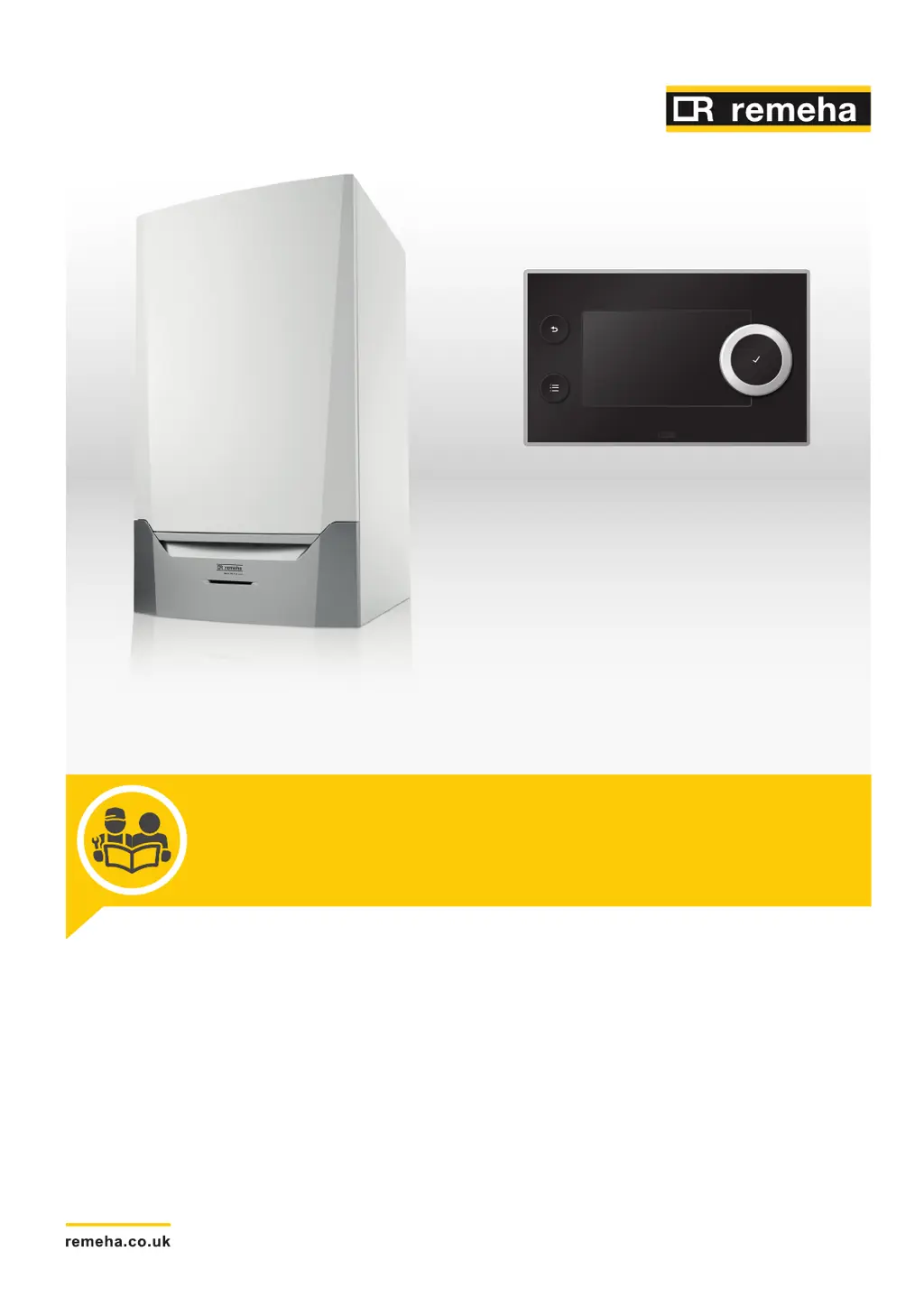
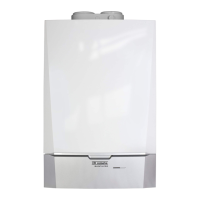
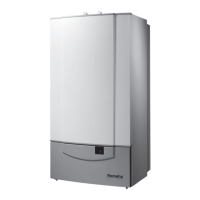
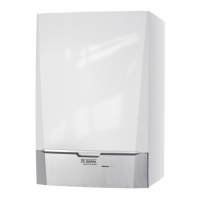
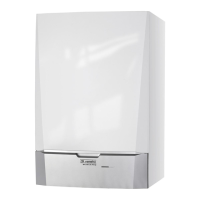
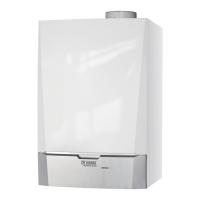
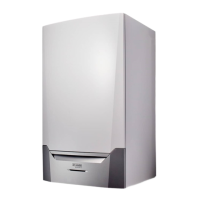
REMEHA Quinta Ace 135 - User Manual

REMEHA Quinta Ace 135
88 pages
Print Icon
To Next Page IconTo Next Page
Loading...
United Kingdom
en
Installation, User and Service Manual
High-efficiency wall-hung gas boiler
Quinta Ace
135
160
HMI T-control

Table of Contents

Other manuals for REMEHA Quinta Ace 135

Questions and Answers

  • S
    Savannah PhillipsSep 9, 2025
    What causes the WaterPressureOpen error on my REMEHA Quinta Ace 135 Boiler?
    • K
      kelleymichaelSep 9, 2025
      The 'WaterPressureOpen' error on your REMEHA Boiler means the hydraulic pressure sensor is open. To address this: * Check the wiring and connectors for bad connections. * Ensure the sensor is correctly fitted. * If the sensor is faulty, replace it.
  • D
    Devin WilliamsAug 25, 2025
    What to do if my REMEHA Quinta Ace 135 Boiler displays Warning Code A .00.00?
    • K
      Keith BerryAug 25, 2025
      If a REMEHA Boiler displays Warning Code A .00.00, the controls will continue to operate, but you should investigate the cause of the warning.
  • N
    nicholsdarrellAug 25, 2025
    What to do if my REMEHA Quinta Ace 135 Boiler displays error E .00.00?
    • M
      Michelle BrightAug 26, 2025
      If your REMEHA Boiler displays error code E .00.00, the controls will stop normal operation. The cause of the lock-out must be rectified, and the controls must be reset manually.
  • A
    Alexandria ByrdSep 23, 2025
    What does Full Can Conn Matrix mean on my REMEHA Boiler?
    • R
      Robert MooreSep 23, 2025
      The 'Full Can Conn Matrix' error on your REMEHA Boiler indicates that the SCB was not found. Carry out an auto-detect.
  • G
    Gary RiosSep 10, 2025
    What does WaterPressureClosed mean on my REMEHA Quinta Ace 135?
    • M
      Mary TorresSep 10, 2025
      The 'WaterPressureClosed' error on your REMEHA Boiler indicates that the hydraulic pressure sensor is short-circuited. You can resolve this by checking: * Bad connection: check the wiring and connectors. * Ensure the sensor is correctly fitted. * If the sensor is faulty, replace the sensor.
  • R
    Ryan ThompsonSep 14, 2025
    What does Waiting For Configuration Number mean on my REMEHA Quinta Ace 135?
    • H
      hsmithSep 15, 2025
      The 'Waiting For Configuration Number' error on your REMEHA Boiler indicates a configuration error or unknown configuration number. Reset CN1 and CN2 to resolve this.
  • B
    browngabrielleSep 4, 2025
    What does TFlow Open mean on my REMEHA Quinta Ace 135 Boiler and how do I fix it?
    • R
      Ricardo KennedySep 4, 2025
      The 'TFlow Open' error on your REMEHA Boiler indicates that the zone flow temperature sensor is open. This could mean: * The sensor is not present. * There is a bad connection: check the wiring and connectors. * The sensor is incorrectly fitted: check that the sensor has been correctly fitted. * The sensor is faulty: replace the sensor.
  • R
    Rebecca BurkeSep 4, 2025
    How do I troubleshoot a TFlow Closed error on my REMEHA Quinta Ace 135?
    • D
      derrickruizSep 5, 2025
      The 'TFlow Closed' error on your REMEHA Boiler means the zone flow temperature sensor is short-circuited. This could be due to: * The sensor is not present. * A bad connection: check the wiring and connectors. * An incorrectly fitted sensor: check that the sensor has been correctly fitted. * A faulty sensor: replace the sensor.
  • K
    Kristen FrostSep 23, 2025
    What does T 2nd Return Closed mean on my REMEHA Boiler?
    • M
      mccannkimberlySep 23, 2025
      The 'T 2nd Return Closed' error on your REMEHA Boiler indicates that the second return temperature sensor is short-circuited. This can be due to: * Bad connection: check the wiring and connectors. * Incorrectly fitted sensor: check that the sensor has been correctly fitted. * Faulty sensor: replace the sensor.
  • C
    Cathy HallAug 29, 2025
    Why does my REMEHA Quinta Ace 135 display Max Delta TH-TR error?
    • D
      David WilliamsAug 30, 2025
      The Max Delta TH-TR error on your REMEHA Boiler indicates that the maximum difference between the heat exchanger and return temperature has been exceeded. This is often due to: * Insufficient or no flow: Check the circulation (direction, pump, valves). * Low water pressure: Check the water pressure. * A dirty heat exchanger: Check the cleanliness of the heat exchanger. * Air in the system: Check that the installation has been correctly vented to remove air. * Sensor error: Check that the sensors are operating correctly and that the sensor has been fitted properly.

Summary

Safety

General safety instructions

Instructions on safety for installers and end users regarding gas and flue gases.

Recommendations

Advice on appliance usage, installation, and maintenance by qualified personnel.

Liabilities

Details manufacturer, installer, and user responsibilities.

About this manual

General

Overview of the manual's scope and content.

Symbols used

Explains symbols like Danger, Warning, Caution, and Important.

Technical specifications

Technical data

Provides detailed specifications like output, input, and gas/flue gas data.

Dimensions and connections

Shows physical dimensions and connection points for pipes and gas.

Electrical diagram

Illustrates the electrical connections and components of the boiler.

Description of the product

General description

Highlights key features like high-efficiency and low emissions.

Operating principle

Explains how the boiler functions, including gas/air regulation and combustion.

Main components

Lists and illustrates the main internal parts of the boiler.

Control panel description

Describes the control panel layout and its components.

Before installation

Installation regulations

Specifies installer qualifications and general regulations.

Choice of the location

Discusses factors for selecting the installation site.

Transport

Instructions for transporting the boiler package.

Unpacking & initial preparation

Step-by-step guide for unpacking the boiler.

Installation

General

General statement about installation by a qualified installer.

Positioning the boiler

Guidance on mounting the boiler bracket and the boiler itself.

Hydraulic connections

Details on connecting the central heating flow and return pipes.

Gas connection

Steps for connecting the gas supply pipe.

Air supply;flue gas connections

Overview of flue gas connection types and material selection.

Electrical connections

General recommendations for electrical connections.

Assembly of the control panel

How to mount the control panel and connect it to the PCB.

Connecting the connection box

Step-by-step guide for connecting the connection box.

Connecting the system pump

How to connect a system pump to the boiler.

Connecting the modulating regulator

Connecting OpenTherm thermostats and other regulators.

Release input

How to connect and configure the release input for boiler control.

Commissioning

General

Overview of the commissioning steps.

Commissioning procedure

Step-by-step guide for initial boiler commissioning.

Gas settings

Adjusting gas type and checking gas/air ratio.

Checking;setting combustion

Measuring O2/CO2 at full and part load.

Final instructions

Final checks, sticker completion, and user instruction.

Operation

Use of the control panel

How to navigate and use the control panel.

Shut-down

Procedure for safely shutting down the boiler.

Frost protection

How the frost protection system works and its limitations.

Settings

Changing the parameters

Overview of parameter adjustment and optimization.

Accessing the installer level

Steps to access the installer level with an access code.

CU-GH06 c Control Unit settings

Detailed tables of factory settings for various parameters.

Reading out measured values

How to view current operational values from sensors.

Status and sub-status

Explains system status and sub-status codes.

Maintenance

General

General notes on boiler maintenance and service.

Resetting the service messages

Procedure for resetting service messages after maintenance.

Standard inspection and maintenance operations

General inspection and maintenance tasks.

Checking the water pressure

Steps to check and maintain correct water pressure.

Checking the ionisation current

How to check the ionisation current.

Checking the air pressure differential switch

Detailed procedure for checking the APS.

Checking the burner and cleaning the heat exchanger

Instructions for checking the burner and cleaning the heat exchanger.

Replacing the ionisation;ignition electrode

Procedure for replacing the ionisation/ignition electrode.

Checking the non-return valve

How to check and replace the non-return valve.

Disposal

Disposal and recycling

Instructions for safe removal and disposal of the boiler.

Troubleshooting

Error codes

Explains error codes and their meaning.

Display of error codes

How error codes are displayed and what they mean.

Warning

Lists warning codes and their solutions.

Blocking

Lists blocking codes and their solutions.

Locking

Lists locking codes and their solutions.

Error history

How to read and clear the error memory.

Appendix

ErP information

Product fiche with energy efficiency and output data.

Checklist for commissioning

A checklist of tasks for commissioning the boiler.

Checklist for annual maintenance

A checklist for performing annual maintenance.

REMEHA Quinta Ace 135 Specifications

General IconGeneral
BrandREMEHA
ModelQuinta Ace 135
CategoryBoiler
LanguageEnglish

Related product manuals