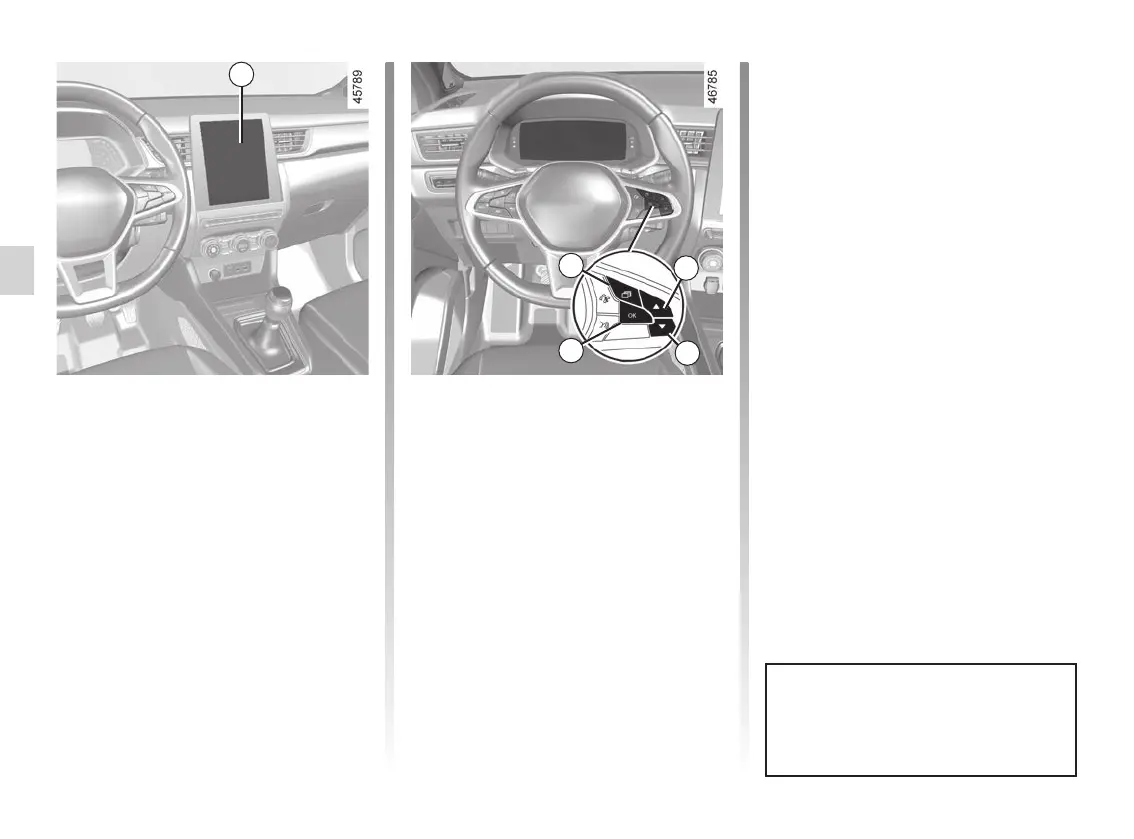
screens
multimedia screen ................................
(current page)
2.70
ENG_UD64408_2
Alerte distance de sécurité (HJB - Renault)
SAFE DISTANCE ALERT (2/4)
– press the 5 or 6 control repeatedly to
reach the “Distance warning” menu.
Press the switch 7 OK;
– Press the switch 7 OK again to acti-
vate or deactivate the function:
= function activated
< function deactivated
Vehicles not fitted with a multimedia
screen
– With the vehicle stopped, press the
switch 4 as many times as required
to reach the “Vehicle” tab;
– press the 5 or 6 control repeatedly to
reach the “Settings” menu. Press the
switch 7 OK;
– press the 5 or 6 control repeatedly to
reach the “DRIVING ASSIST” menu.
Press the switch 7 OK;
Activating/deactivating the
function
Vehicles fitted with a multimedia
screen 3
To activate or deactivate the function,
refer to the multimedia instructions.
Select “ON” or “OFF”.
3
Each time the vehicle is started,
the function continues the mode
saved the last time the engine was
stopped.
4
5
6
7














 To Next Page